FS25 Vehicle Overview V1.0.0.0

FS25 Other

FS25 Vehicle Overview V1.0.0.0
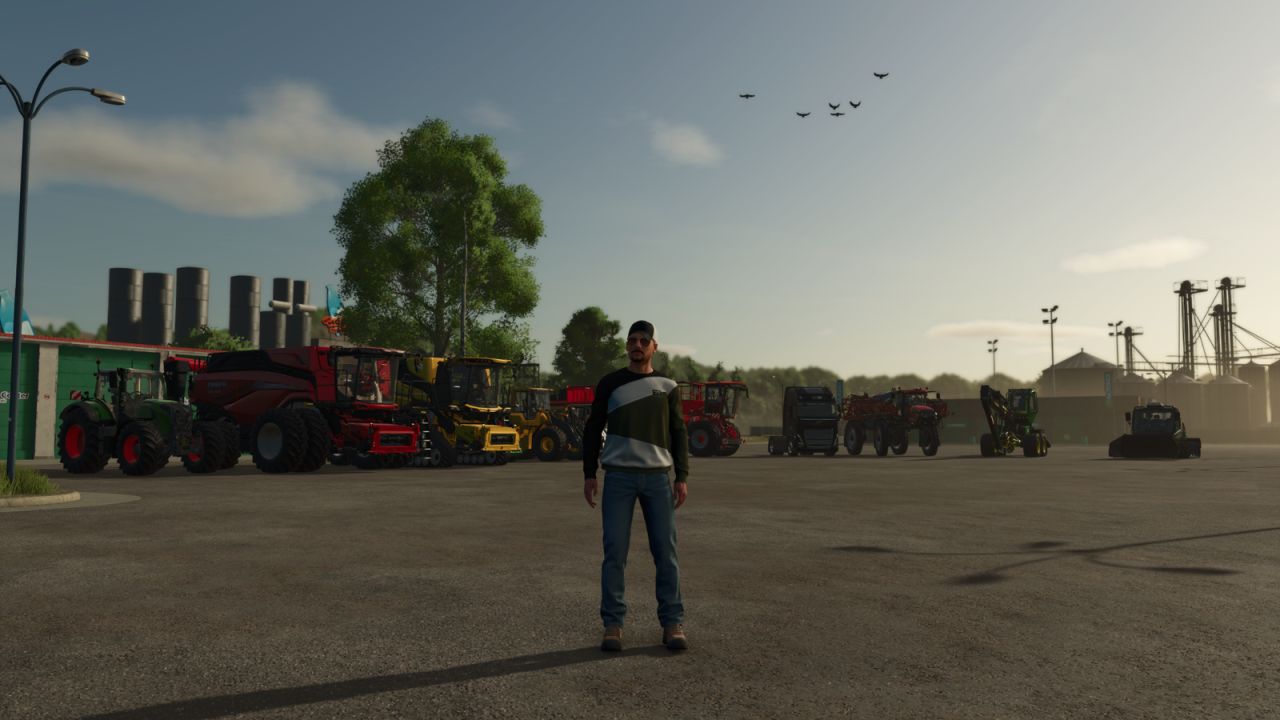

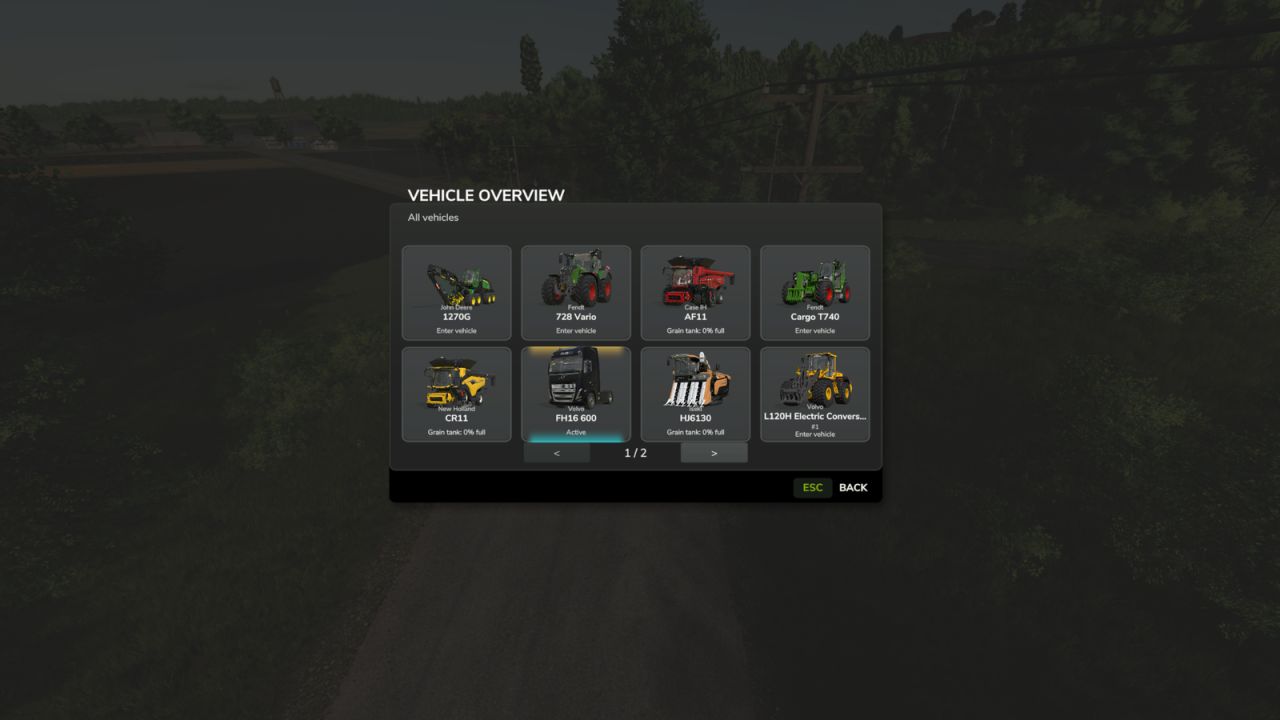
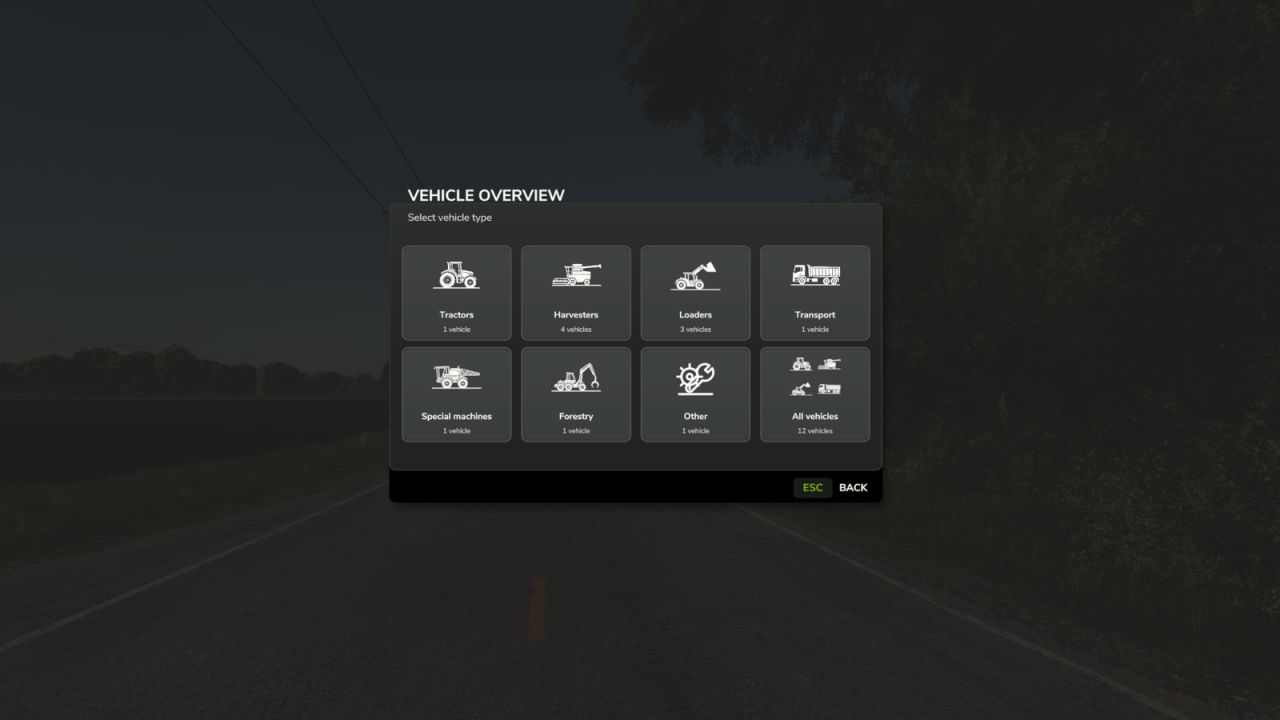
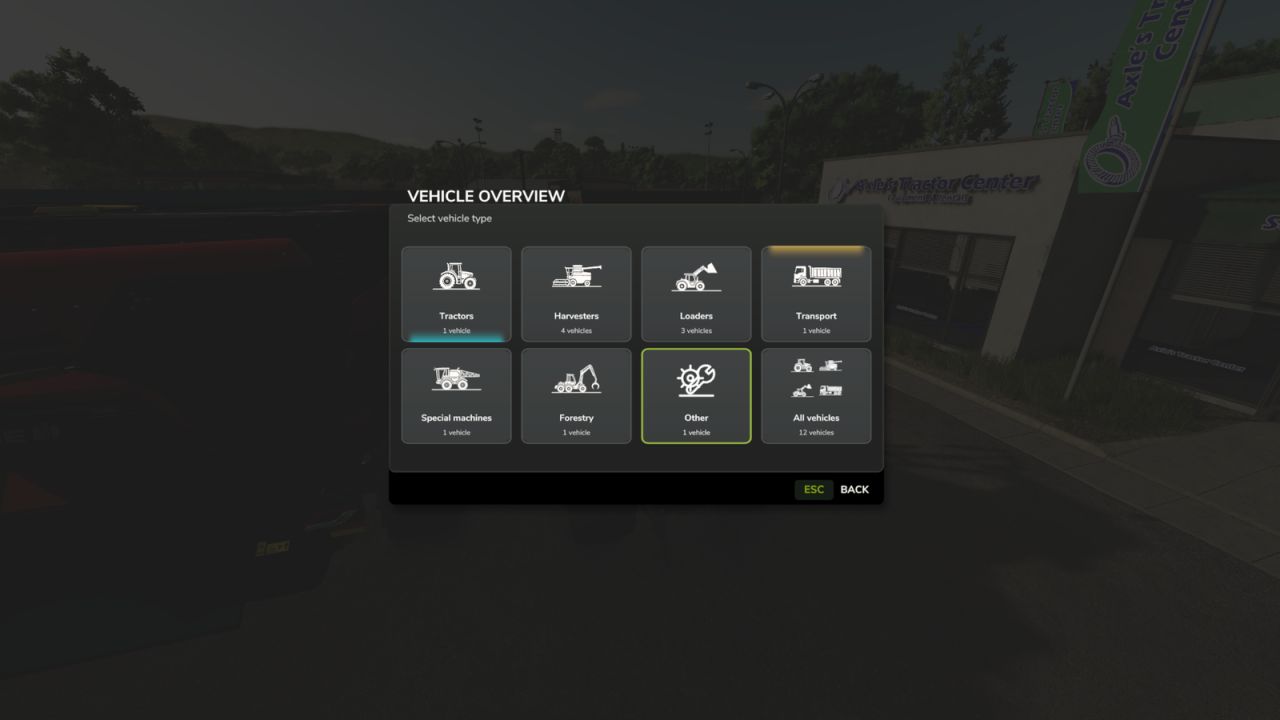
Vehicle Overview provides a fast and clear way to access all enterable vehicles on your farm.
Open the menu with Left Alt + V or assign it to a mouse thumb button for even faster access. Vehicles are automatically grouped into categories such as Tractors, Harvesters, Loaders, Transport, Forestry and more.

The currently controlled vehicle is highlighted in cyan, while vehicles with an active AI worker are highlighted in yellow. Harvesters with a finite internal grain tank also display their current fill level directly on the vehicle tile, including color-coded warnings as the tank fills.

Manufacturer and model are displayed on every tile, and larger vehicle fleets are automatically split into multiple pages.
The standard TAB vehicle switching remains unchanged.

Credits:
Elimods


What is this Farming Simulator 25 / 22 mods use for:

Farming Simulator game is so great that is hard to believe that it could be even greater. However, it can be if you play this game with mods! You can have more fun simply installing Farming Simulator 25 mods / Farming Simulator 22 mods. The game became so popular because of supporting mods! What is more, all FS25 mods / FS22 mods are completely free. Every mod has different designation and when there’re so many of them, until you’ll try it you can only imagine what the limits of this game are. So many improvements new tractors and more are waiting for you until you download all of Farming Simulator 25 mods / Farming Simulator 22 mods. Create your own combination of FS 25 mods / FS 22 mods and see how it works in game. Maybe you’re the one who will create a perfect game which doesn’t have any issues. So why don’t you try. Download and install these LS 25 mods / LS22 mods and create your Farming Simulator 25 / Farming Simulator 22 game. Welcome to the biggest Farming Simulator modding community! If you like this mod, please comment bellow.


Best FS25 Other mods

Leave a Reply

Do you need any help or to say thanks to the mod author? Just leave a comment below!