FS25 Tractor Terrain Dynamics V1.0.3.7


FS25 Tractor Terrain Dynamics V1.0.3.7
TTD — Tractor Terrain Dynamics
Equipment physics, not a dirt mod. No settings required — everything works automatically.
What is it?
TTD changes equipment behavior depending on the weather, soil type, moisture, tire wear and tire pressure.
The ground is not a target, it is a condition. The tractor is the main character. A wet field means less grip. Plowed soil means more resistance. Asphalt means everything is easy. Just like in real life.
What you get:
Weather affects your work: rain — the field becomes softer, dry weather — everything is stable
Soil-type physics: 17 types, from asphalt to plowed fields.
Equipment feels different: tracks, dual tires, wide tires — everything matters.
The transmission works realistically: it holds gears under load
The HUD displays moisture, grip and resistance
Multiplayer: synchronization is handled in the code
Important to understand:
TTD does not add wheel slip “on demand.” Wheel slip is the result of conditions: a wet field, tire wear (if UYT is installed), a sudden start or excessive speed. If the tractor is new, the tires are new and the weather is dry, you will not notice a difference. TTD simply makes the physics fair and predictable.
What TTD does NOT do:
No visual dirt
It does not only slow you down
No random penalties
Compatibility:
– UseYourTyres — tire wear affects road grip.
– More Realistic — for maximum hardcore enjoyment
Everything that happens is the result of your decisions, the weather and the ground.
The mod archive includes a complete guide describing the physics and containing the author’s contact details.
V1.0.3.7
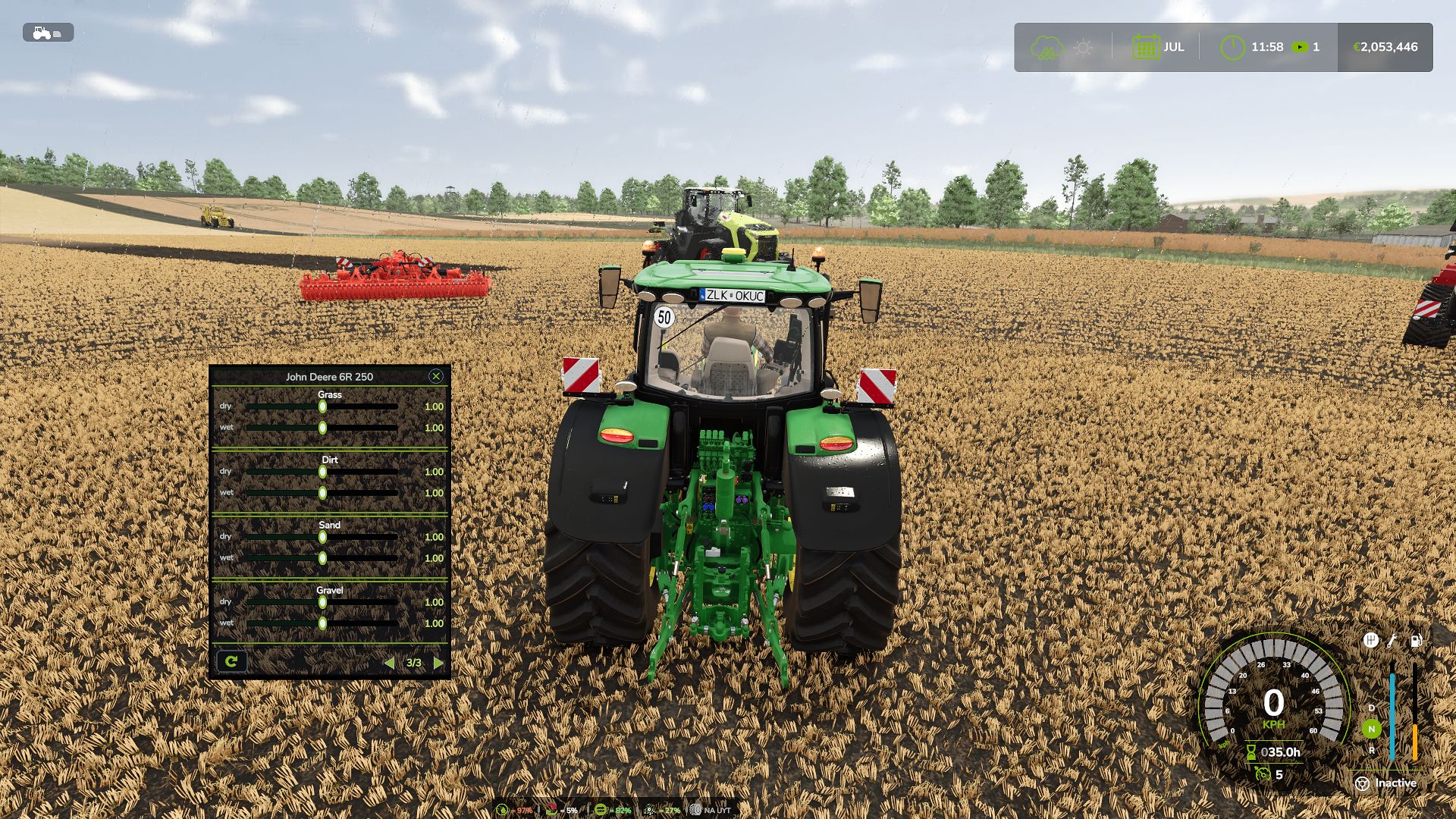
Added built-in calibrator for fine-tuning the behaviour of each tractor directly in-game
TTD Calibrator Description (RU/EN/DE/FR/IT/PL):
Tracked vehicles now leave ruts just like wheeled ones
Completely reworked the wheel sinking system – behaviour is now noticeably smoother and more predictable
Fixed an issue where moisture on grass and other natural surfaces was displayed incorrectly
Tracked vehicles now behave differently from wheeled ones – tracks sink less, slip less and recover more easily
Front wheels of tractors now sink slightly less than the rear ones – just like on real machines
Fixed a bug where engine settings could fail to apply to some vehicles
Each vehicle now stores its own settings separately and does not affect others
Removed unnecessary calculations that could cause frame drops when many vehicles were present on the map
Improved overall performance – the game now runs more steadily
Cleaned up some old and unused parts left over from previous versions
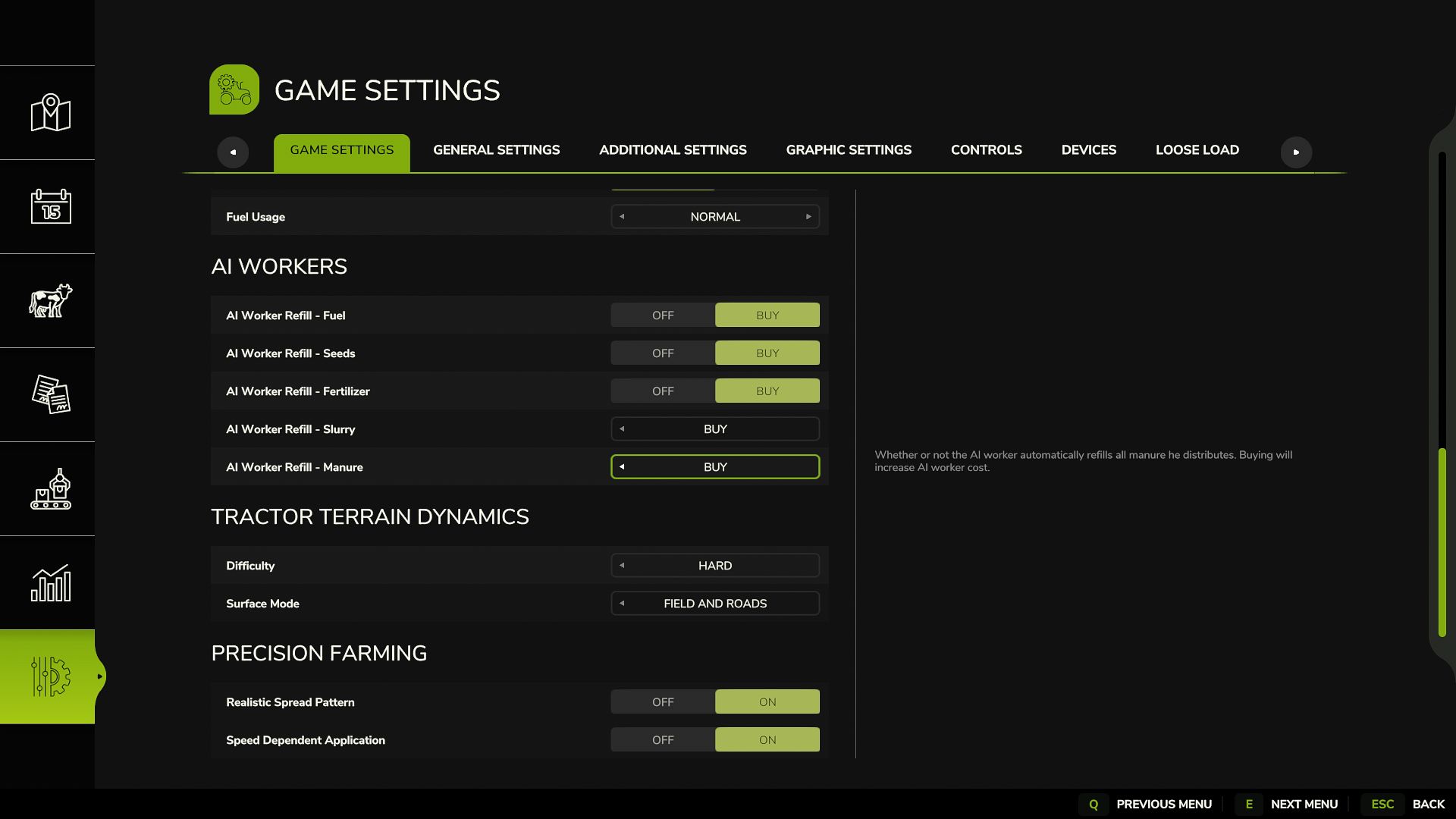
Updated default difficulty values – they are now more balanced
HUD now hides together with the in-game interface – the separate toggle button has been removed
HUD values now match the actual physics
Minor fixes in the interface and settings menu
WDMods