FS25 Tax Mod V1.1.4.1

FS25 Tax Mod V1.1.4.1
What’s New 1.1.4.1
HUD edit mode now entered via dedicated key binding only (TM_HUD_DRAG, configurable in controls)
RMB exits edit mode when active — never consumed during normal play
Fixes TaxMod silently stealing all RMB events (was breaking CoursePlay, AutoDrive, NPCFavor, and other mods)
V1.1.4
What’s fixed
Tax HUD no longer responds to mouse events already consumed by other listeners — the handler now properly checks eventUsed before processing
Other mods now receive the correct eventUsed flag when the Tax HUD consumes a right-click (edit mode toggle) or a drag/resize event
No save migration needed.
V1.1.3.1
Corrected `nRows` count so the background panel fully contains all rendered rows including Recent Activity and the hint at the bottom
V1.1.3.0
Taxes now work annually instead of per-transaction — more realistic farm business behaviour
Tax accumulates throughout the year; the full bill is deducted each March
In December you get an advisory notification showing your estimated tax bill, what % of your balance it is, and how much has accumulated — so you can plan your spending before year-end
HUD now shows an estimated March payment row and a countdown to your next tax event
New setting: Annual Tax Rate — choose Low (2%), Medium (5%), or High (10%)
New console command: taxAnnualRate — accepts low/medium/high or a custom value (e.g. 0.08 for 8%)
Bug fix: total taxes paid was being counted twice; now only the actual March deduction counts
v1.1.2.0 — HUD Persistence Fix
The Tax HUD position, scale, and visibility were not being saved when you saved your game — only when you manually exited edit mode (right-click). This meant the HUD would reset to its default position and become visible again on every reload.
What’s Fixed
HUD position and scale now save on every game save and on mod unload
HUD visibility (T-key toggle) now persists across reloads
No save migration needed — existing saves work as-is.
V1.1.0.0
This updates includes a complete rewrite of all code
Changed from 1 single file to multiple files
Settings have been rewritten to match correct FS25 behaviour
Added a HUD overlay (same as Income Mod)
(Converted from FS22_TaxMod)
Adds realistic tax system to your farm.
Features:
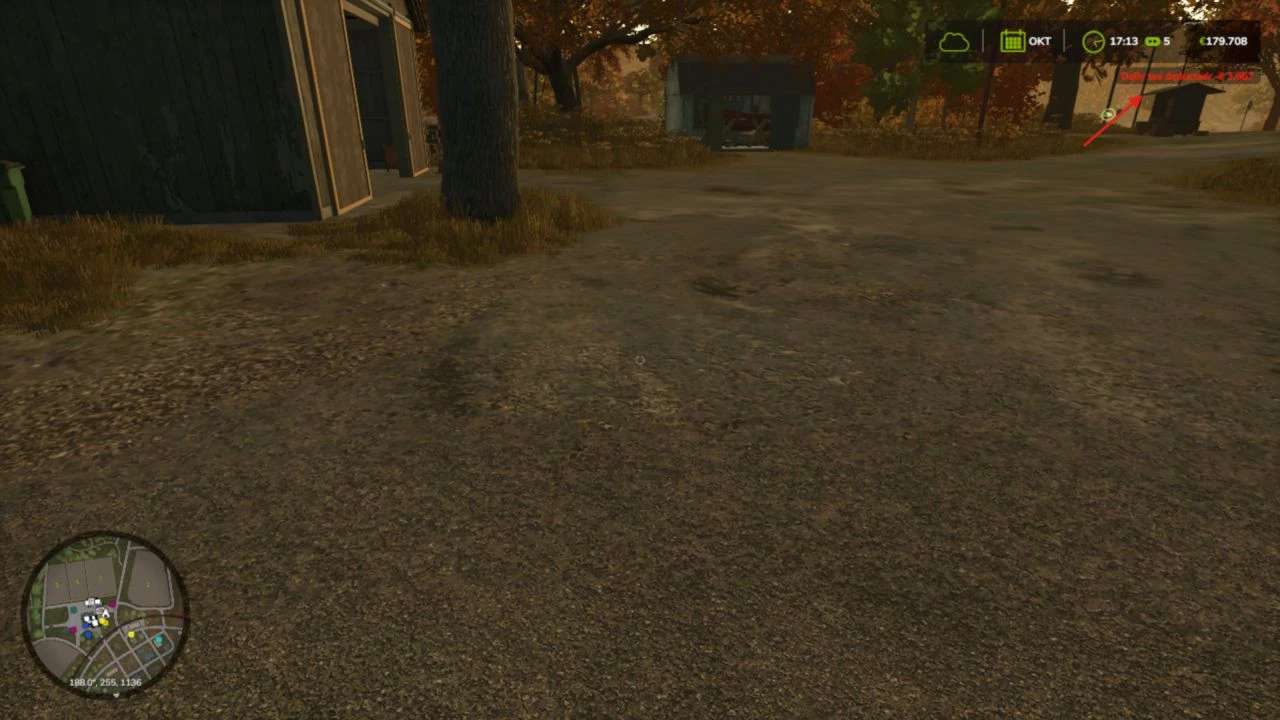
Daily tax deductions based on farm balance
Monthly tax returns (percentage of taxes paid)
Three tax rate levels: Low (1%), Medium (2%), High (3%)
Configurable minimum balance threshold
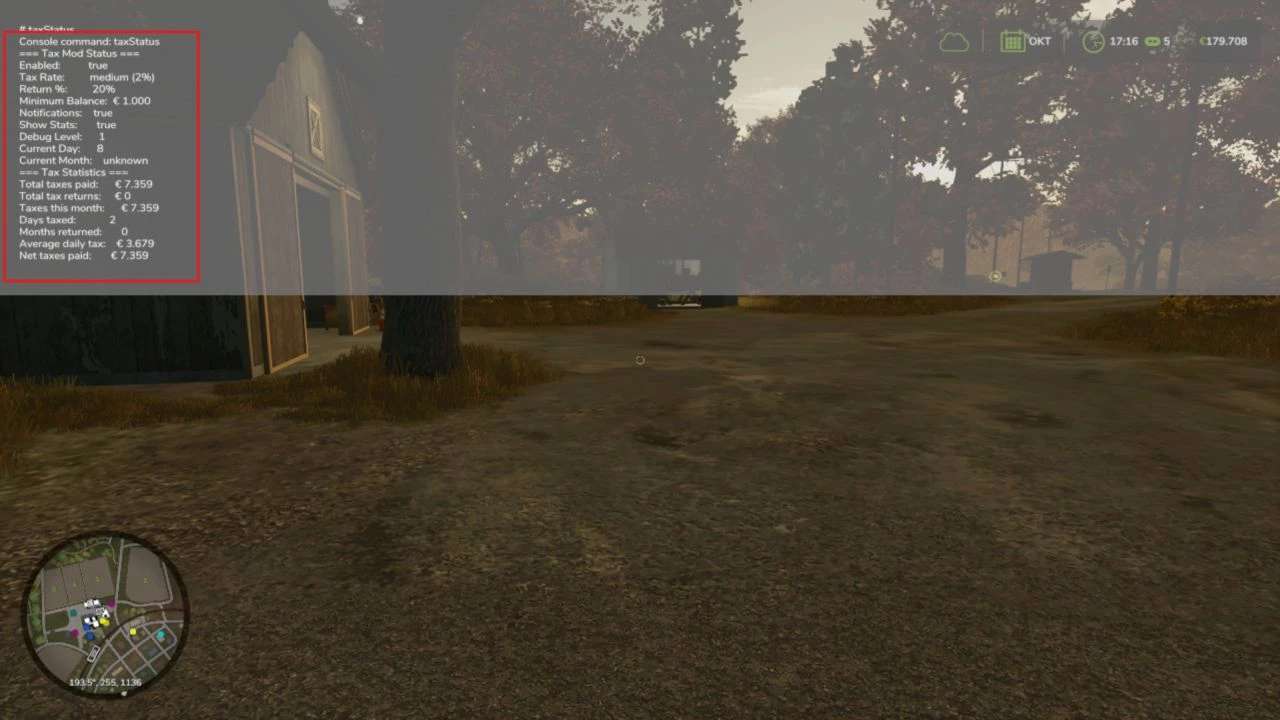
Tax history and statistics tracking
Professional in-game notifications
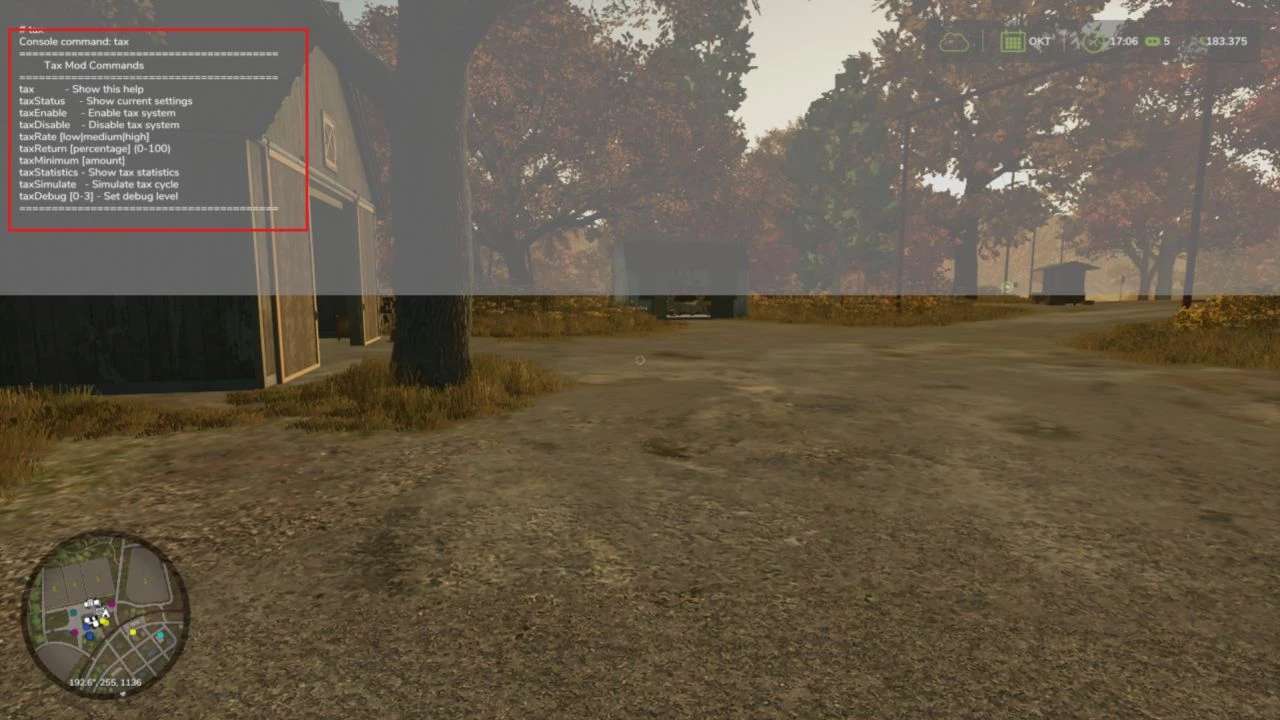
Fully configurable via console commands
Multiplayer compatible
Settings saved per savegame
Type ‘tax’ in console for commands
Please be aware:
You need to have developer mode enabled in order for you to open the console.
This can be done in your FS game folder, then look for the “game.xml”.
Change <development><controls> to “true”
Enjoy you farming experience with my Tax Mod.
Credits:tisonK