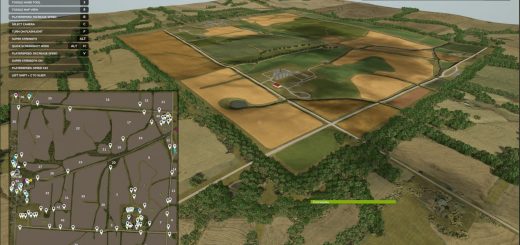
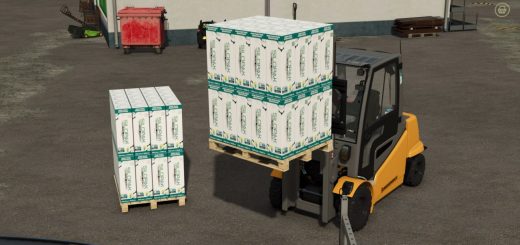
FS25 Reinke Irrigation System V2 V1.1.0.0

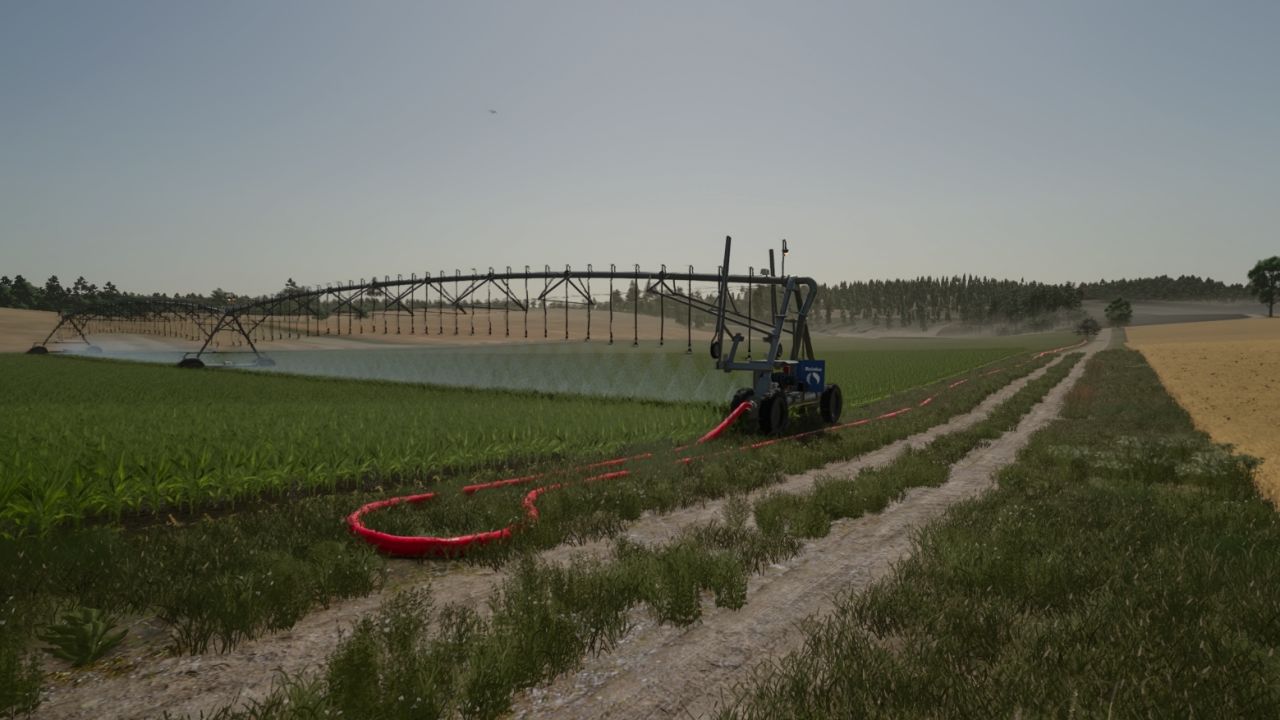
FS25 Reinke Irrigation System V2 V1.1.0.0
Reinke Linear Irrigation System Pack
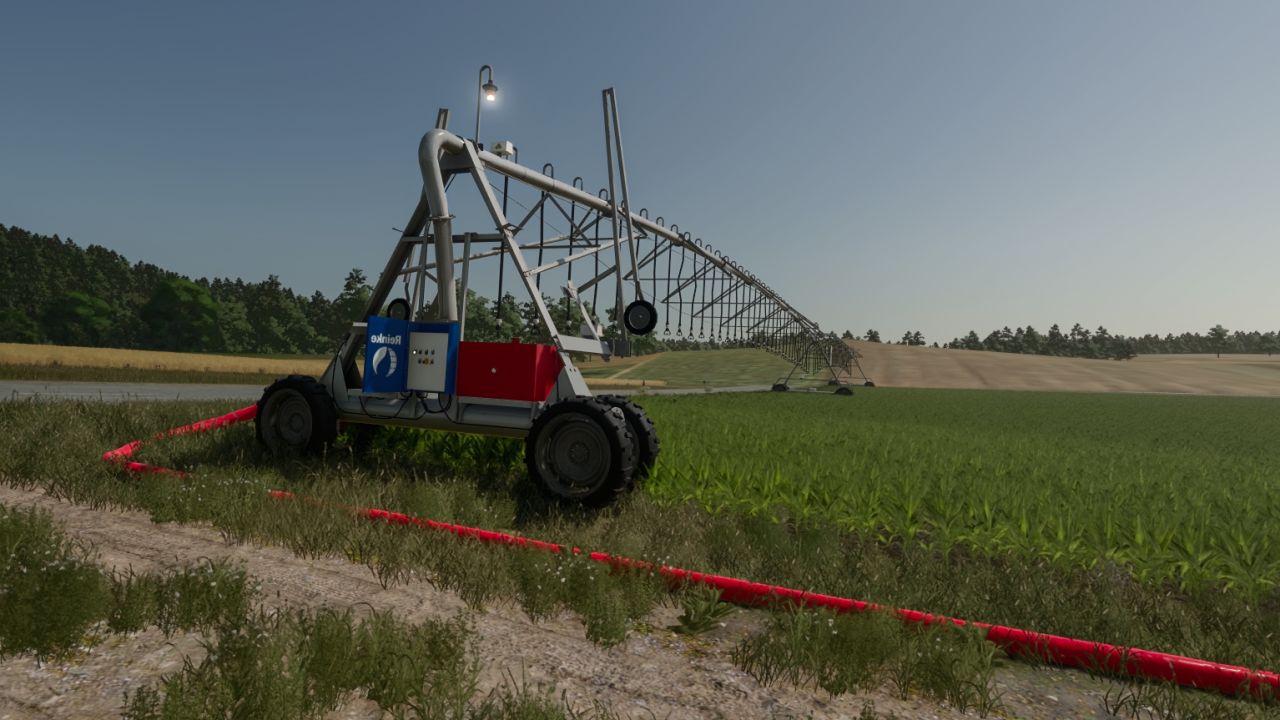
Bring realistic linear irrigation to your flatlands! This pack offers realistically priced Reinke linear move irrigation systems—smaller models are budget-friendly, while the larger setups scale accordingly.
Available Widths
You can place the following sizes under the placeables menu:
37 meters (Affordable entry model)
75 meters
115 meters
223 meters
Placement & Terrain Requirements
Flat and Clear Land: Reinke linear systems are designed for flat, obstacle-free terrain. Do not use them on hilly or sloped ground.
Clear Path: Ensure there are no trees, utility poles, or obstacles in the field that the machine could collide with during operation.
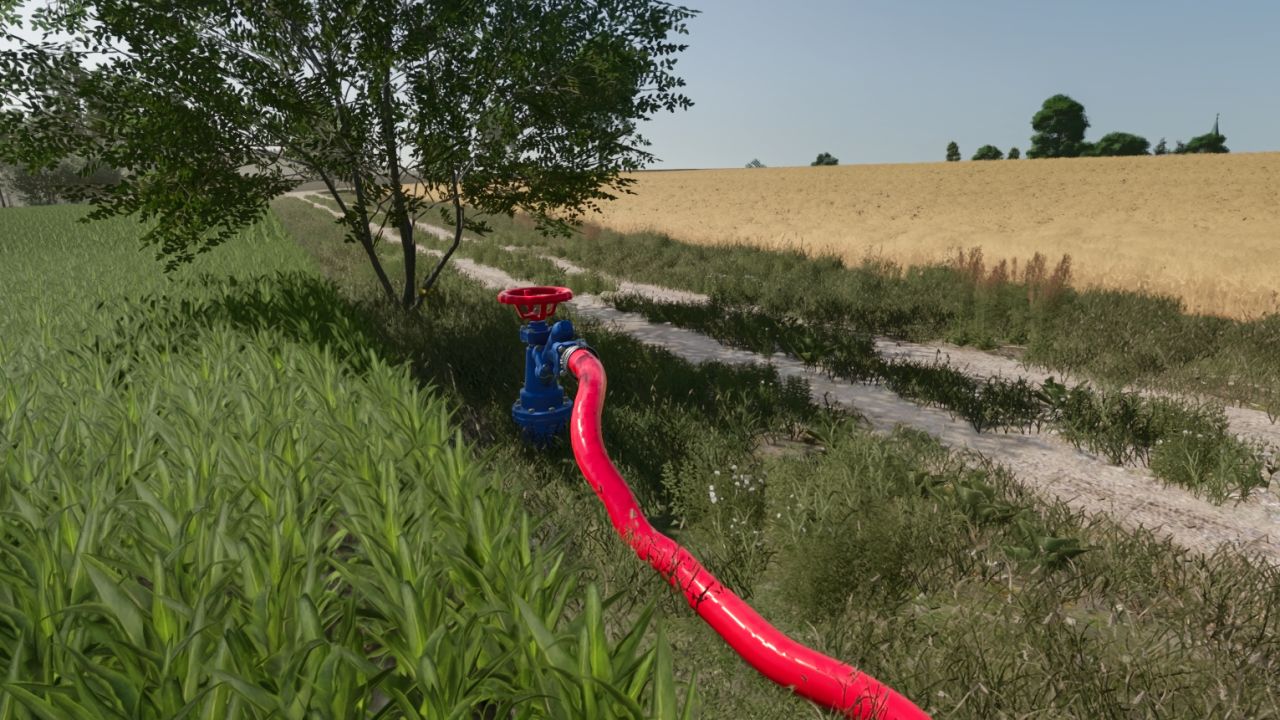
Placement Delay: When placing the main 228-meter pipe and hydrant, expect a short delay of about 6 seconds for it to spawn.
(Note: The game may log a warning for these components, but this is entirely normal and does not affect gameplay—everything is 100% functional!)
Pipes & Extensions
If the default 228-meter pipe and hydrant setup is not long enough, you can extend the length using 50-meter pipe add-ons.
Towing & Connection: You can tow the pipes easily using a tractor via the 3-point hitch. For the best experience handling and connecting pipes, we recommend using the Easy Development Control mod with “Super Strength” turned on.
Attaching: Connect the pipes to the Reinke simply by pressing the Q key.
Quick Removal Tool: A special pipe wrench tool is included. By clicking on a single pipe piece with it, you can instantly delete and clean up the entire connected pipe network for maximum convenience.
Operation & Controls Guide
Water Valve: Open the water valve using the Interactive Control mod before entering the Reinke.
Vehicle Switch: Press the G key to switch into vehicle control mode so Interactive Control inputs take effect.
Engine Setting: Make sure Automatic Motor Start is set to No (disabled).
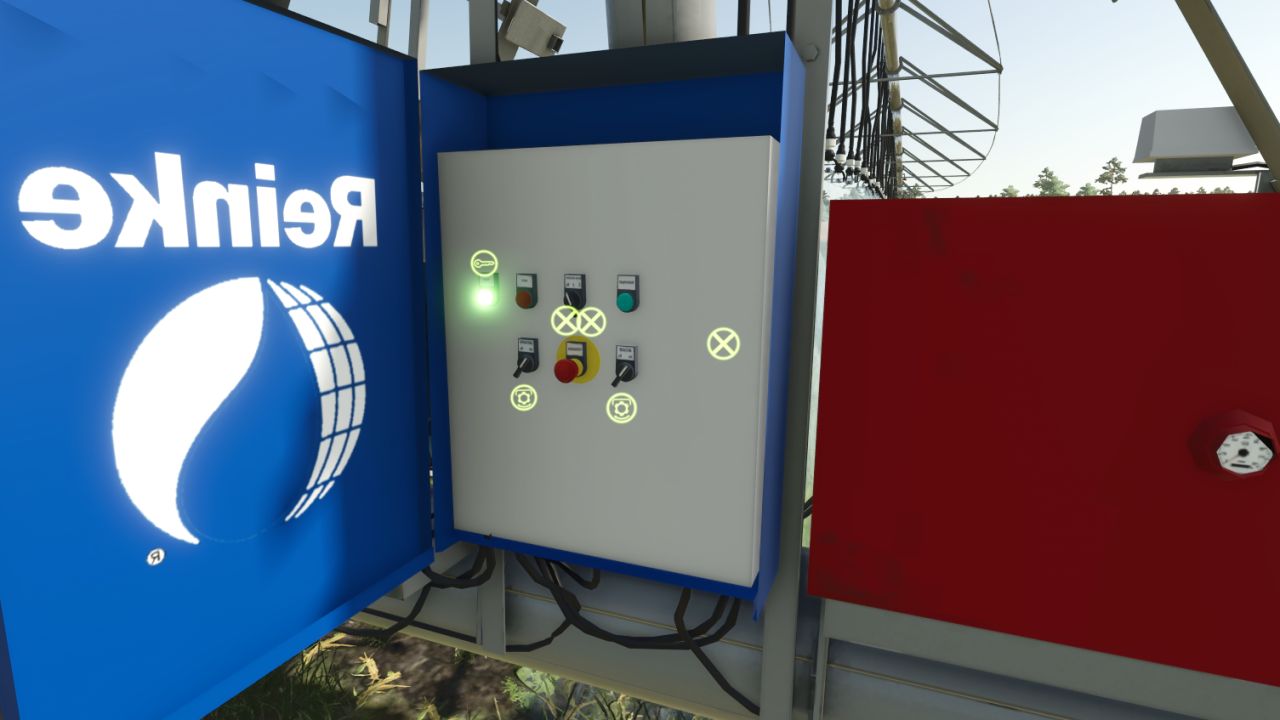
Power Up: Turn on the Reinke using the Key icon.
Interactive Control Panel: Via the panel, you can now activate:
Spraying / Irrigation
Beacon lights
Engine
GPS-like alignment corrector (This aligns the machine straight based on your set angle once cruise control is engaged).
Speed Settings:
Stage 1: 1 km/h
Stage 2: 2 km/h
Stopping Procedure (Important!)
Recommended Method: When the Reinke finishes its run, turn off only the engine first. This instantly engages the brakes and holds it securely in place.
Alternative (Not Recommended): If you turn off the cruise control/GPS before the engine, the machine will roll backward for a short distance. Always shut down the engine first to park it properly!
Pumps and hoses compatibility has been removed; it now includes only my own piping system and the Reinke irrigation unit equipped with a control panel, plus a 228-meter pipe, a 50-meter pipe extension, and a pipe tool that allows you to delete pipes with a single click.
Enjoy realistic and efficient crop watering on your flat fields!
V1.1.0.0
– Pump and hose compatibility has been removed.
– I only use my own piping system and equipment.
– A control panel has been installed on the Reinke irrigation system (specifically the model with 1, 2, 3, and 6 spans); it is located on the right-hand side relative to the direction of travel.
– Realistic prices have been set.
– With the wrench, which is actually a hose tool, a left-click on the pipe allows you to delete the entire connected piping system in a single click.
– It has been integrated such that the valve must be opened using the Interactive Control to operate the Reinke system; therefore, the Interactive Control is required.
– Another useful feature is “Easy Developer Control”; by enabling this, you can easily drag the pipes around.
Required mods:
Easy Development Controls
Interactive Control
honved4