FS25 Manual Machine Hydraulics Control v1.0.0.0

FS25 Other

FS25 Manual Machine Hydraulics Control v1.0.0.0


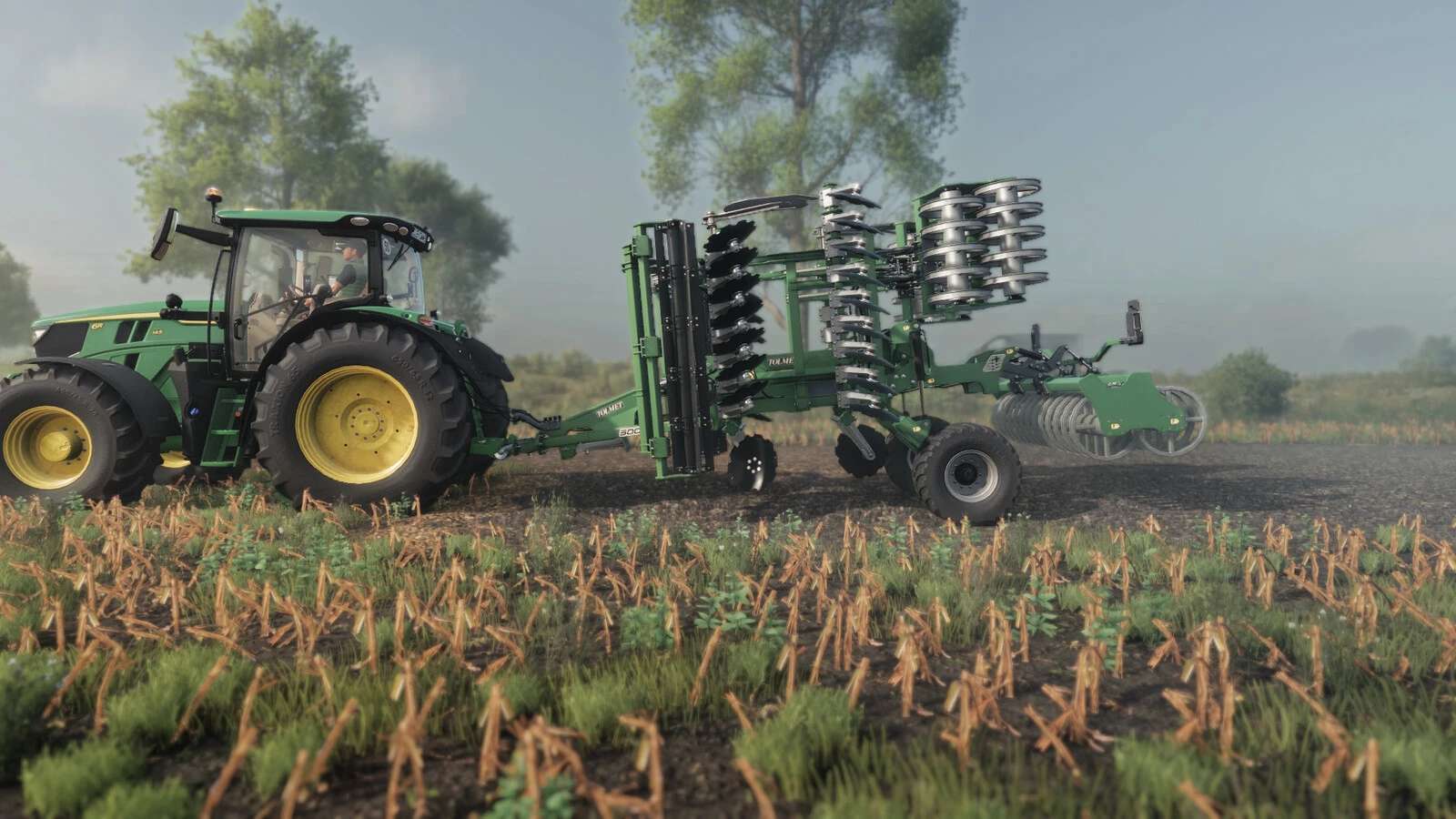
Manual, stepless linkage and implement folding control.

Numpad +: raise | Numpad -: lower
Numpad *: unfold | Numpad /: fold

Manual linkage and folding can be enabled independently in the game settings.
With manual linkage enabled, an attached implement stays at its current height.
Controls require a running engine.

PLEASE NOTE
When using semi-mounted machines and combine harvesters with headers, it is advisable to also use the default V button,
so that the machine can adapt to the ground.

For tractors with manual gear changes, the Numpad + and Numpad – keys can be assigned simultaneously to change gears.
If manual lifting or lowering does not work, change the modifier or gearbox function assignments in the game’s control settings.

Credits:
JMZ


What is this Farming Simulator 25 / 22 mods use for:

Farming Simulator game is so great that is hard to believe that it could be even greater. However, it can be if you play this game with mods! You can have more fun simply installing Farming Simulator 25 mods / Farming Simulator 22 mods. The game became so popular because of supporting mods! What is more, all FS25 mods / FS22 mods are completely free. Every mod has different designation and when there’re so many of them, until you’ll try it you can only imagine what the limits of this game are. So many improvements new tractors and more are waiting for you until you download all of Farming Simulator 25 mods / Farming Simulator 22 mods. Create your own combination of FS 25 mods / FS 22 mods and see how it works in game. Maybe you’re the one who will create a perfect game which doesn’t have any issues. So why don’t you try. Download and install these LS 25 mods / LS22 mods and create your Farming Simulator 25 / Farming Simulator 22 game. Welcome to the biggest Farming Simulator modding community! If you like this mod, please comment bellow.


Best FS25 Other mods

Leave a Reply

Do you need any help or to say thanks to the mod author? Just leave a comment below!