FS25 Log Error Extractor V1.0.0.0

FS25 Log Error Extractor V1.0.0.0
Stop scrolling through thousands of lines of log file trying to work out which mod broke your game.
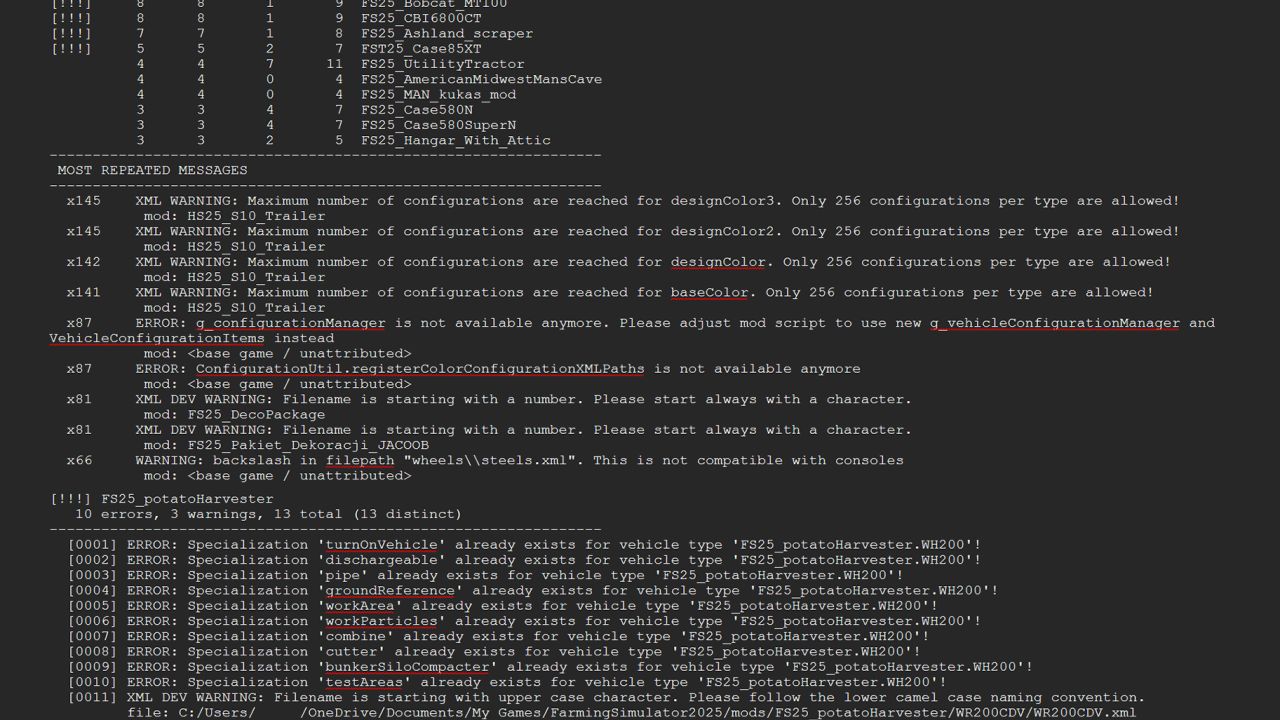
Log Error Extractor captures every error and warning your game produces and writes them to a clean, readable report — errors and warnings only, nothing else. It then ranks every mod in your folder by how many distinct problems it’s causing, so the culprit is sitting at the top of the list instead of buried somewhere in a 6,000-line log.
What it does
Writes a report containing only errors and warnings, saved as log_errors.txt next to your normal log
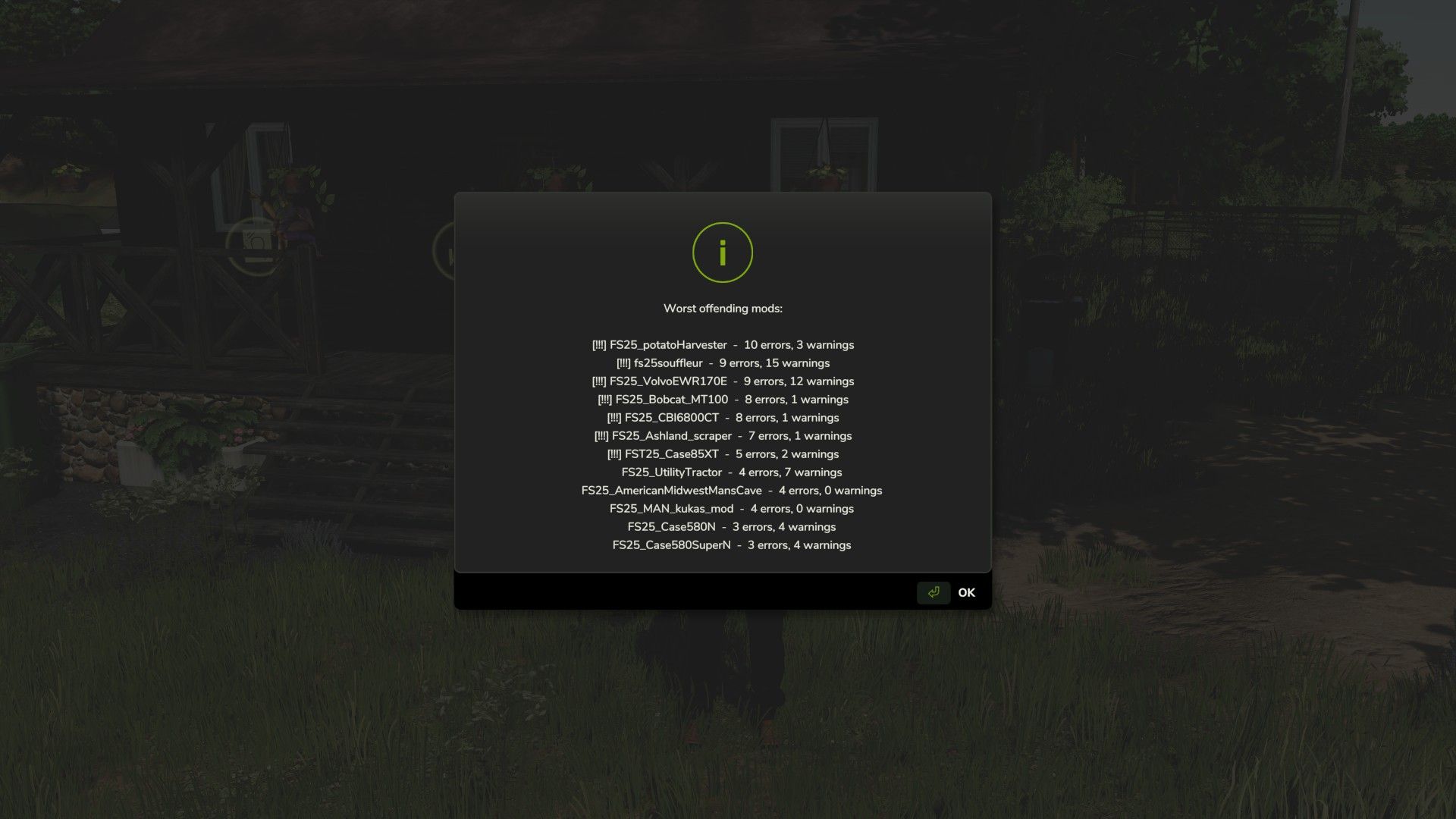
Ranks your mods worst to best by distinct error count, with flags on the serious offenders
Collapses repeated messages — one mod throwing the same warning 500 times shows once with a count, not 500 lines
Breaks the report down mod by mod so you can see exactly what each one is throwing
Console commands are there for anyone who prefers them: dumpLogErrors, topLogErrors, countLogErrors, clearLogErrors
Getting started
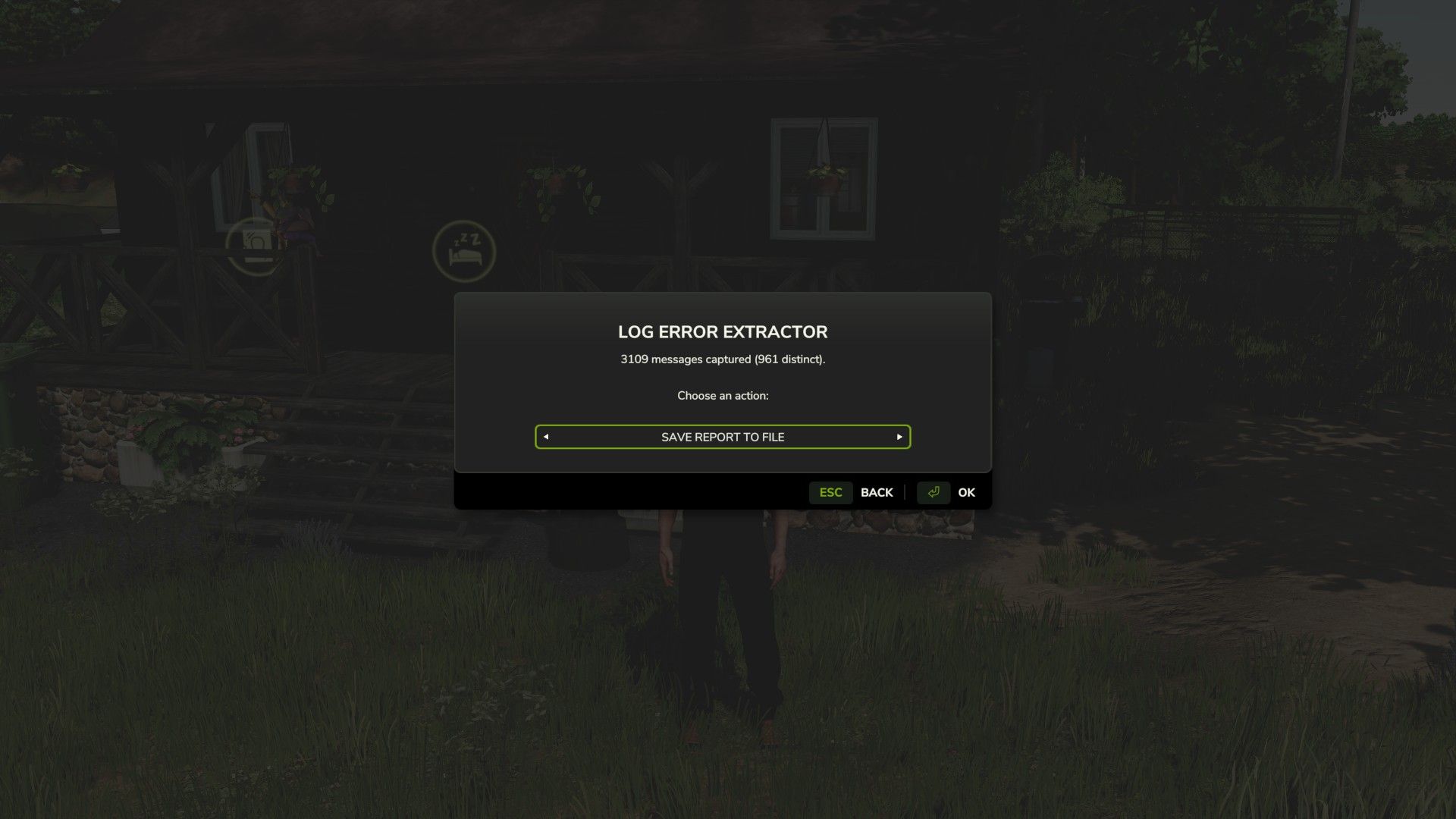
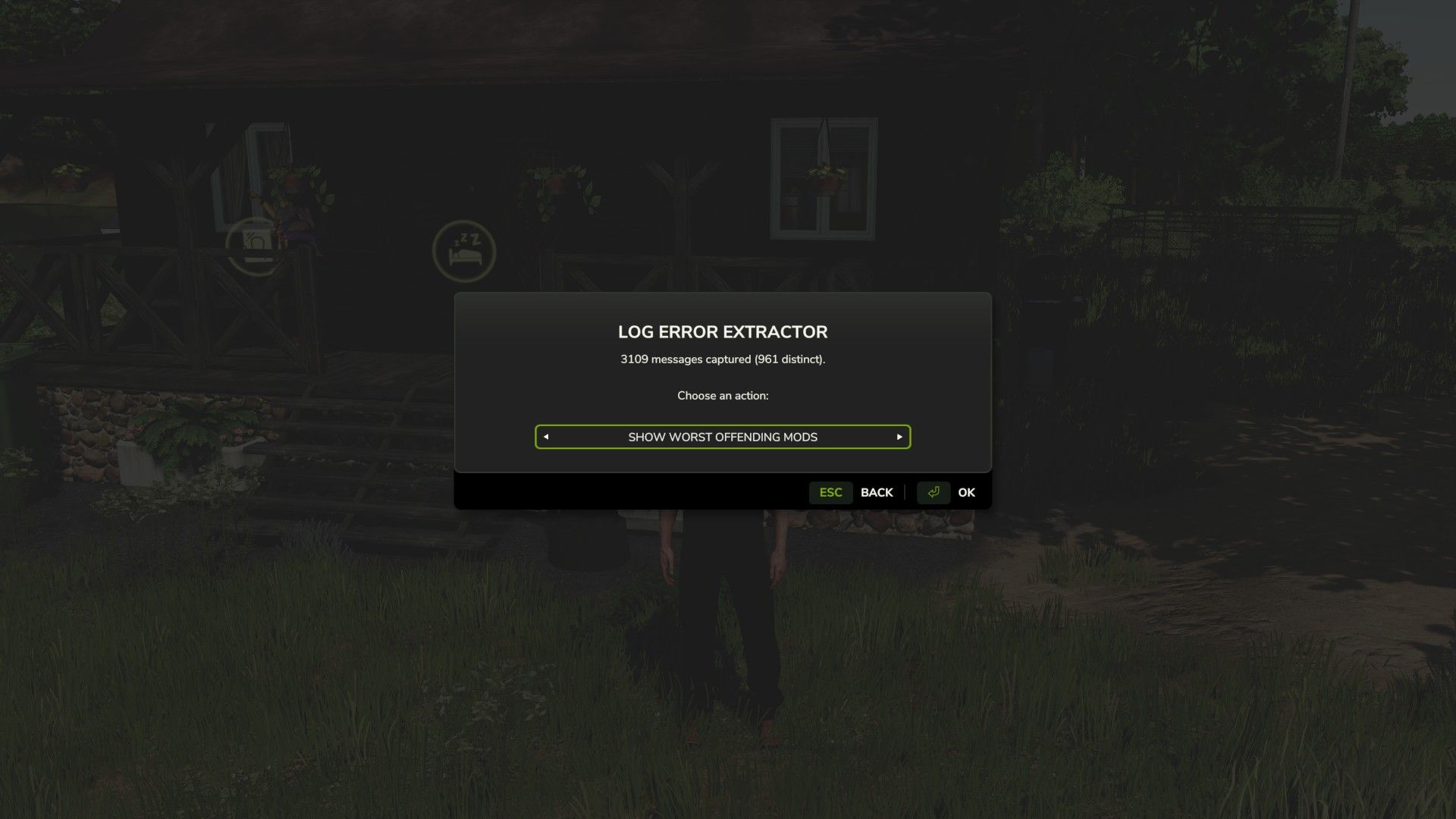
Bind a key under Options → Controls → Log Error Extractor, load your save, and press it. The menu opens anywhere — on foot, in a vehicle, doesn’t matter. Cycle the options with the arrows and hit OK.
Save Report To File — writes the full report to log_errors.txt in your Farming Simulator 2025 folder.
Show Worst Mods — puts your top offenders straight on screen, no file needed.
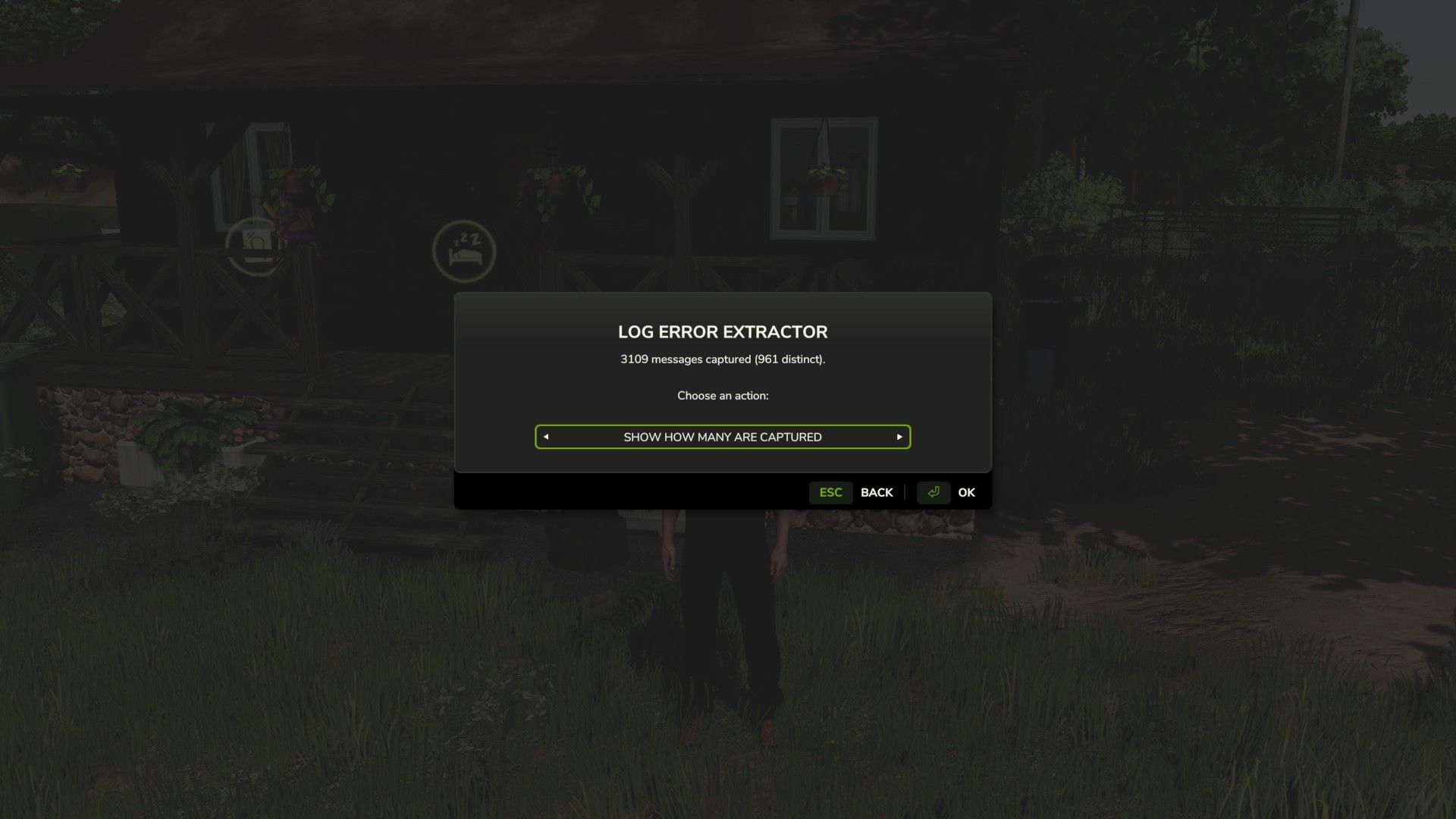
Show Count — tells you how many errors and warnings have been captured so far.
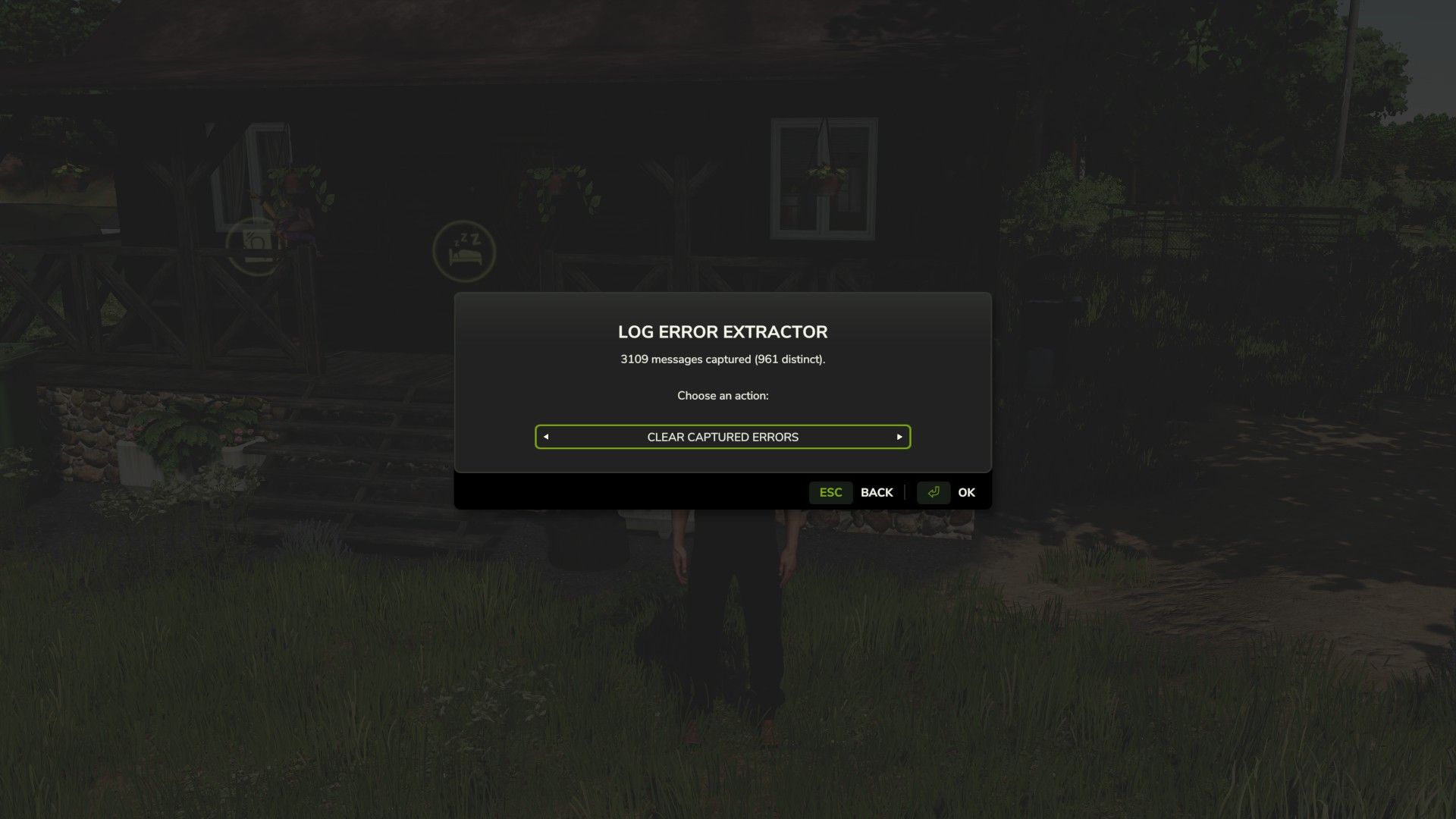
Clear — wipes everything collected up to now so your next report starts clean.
That last one is the most useful when you’re hunting a specific conflict. Clear the buffer, recreate whatever broke, then save the report — and it’ll contain nothing but what happened in between.
Important — do not rename the mod
The folder is called FS25_AAA_LogErrorExtractor on purpose. Farming Simulator loads mods alphabetically, and the AAA forces this one to load first so it can capture errors from everything that loads after it. Rename it and it drops down the list, and anything loading before it goes uncaptured.
Requirements and limitations
PC only. This is a script mod, and script mods are not supported on PlayStation or Xbox.
Singleplayer only for now. Multiplayer is untested rather than known-broken — it’s declared unsupported so it won’t load in an MP save. If you’d like to help, flip <multiplayer supported=”true”/> in the modDesc, test it, and let me know what happens.
It cannot capture errors that occur before it loads, so base game startup and engine-level messages won’t appear. Check the game’s own log.txt for those.
Reporting problems
The mod writes a small health check file, log_status.txt, every time you load a save. If something isn’t working, open it — and please attach it if you’re reporting an issue.
Just Joe