FS25 Job Queue V1.0.0.0

FS25 Other

FS25 Job Queue V1.0.0.0
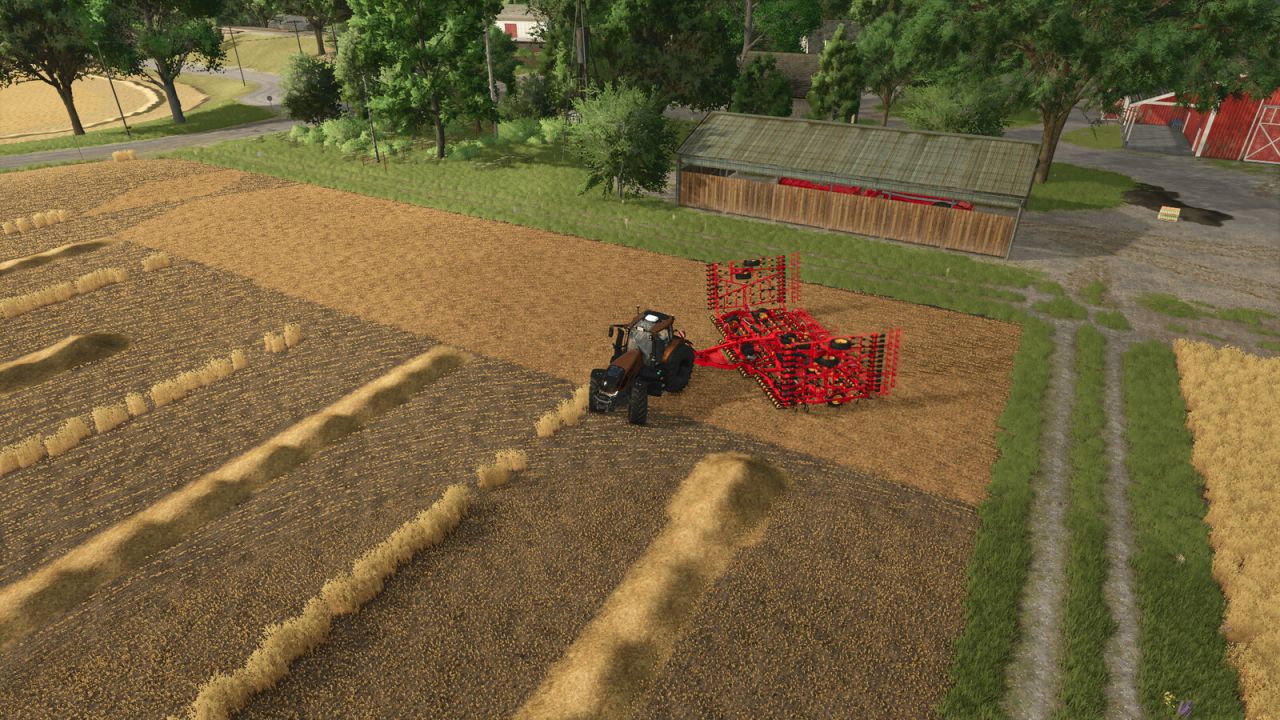

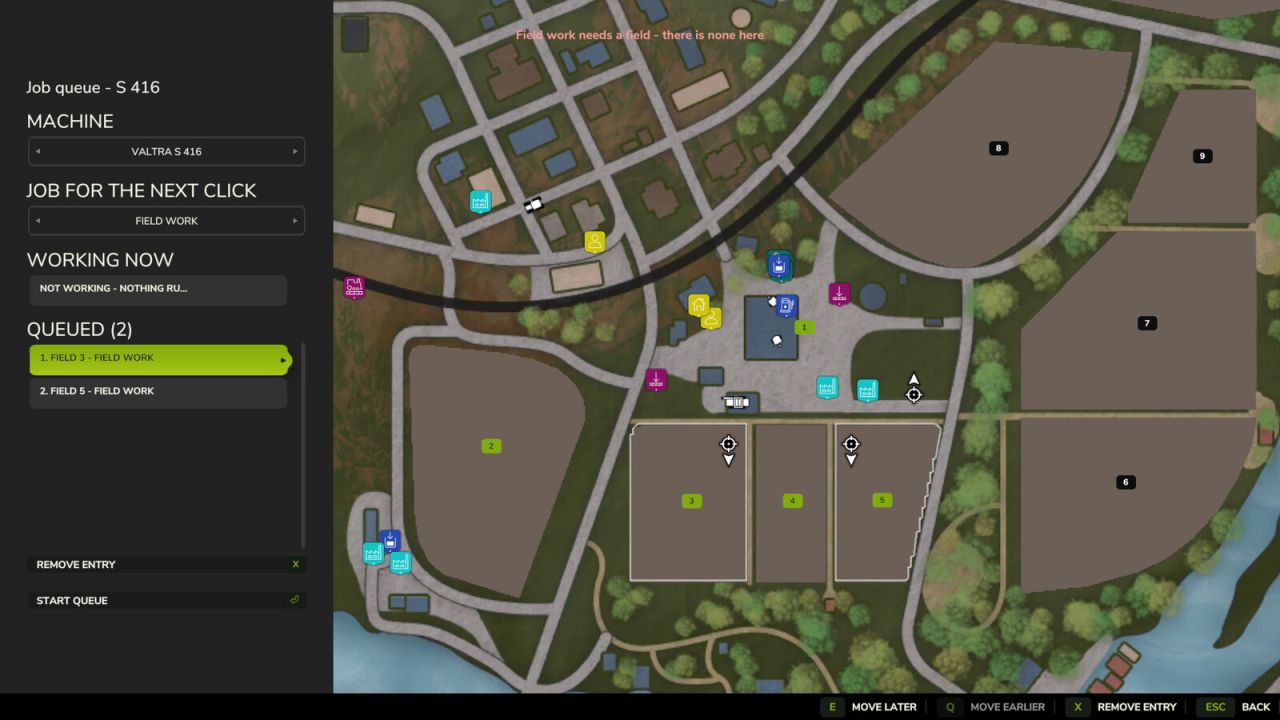
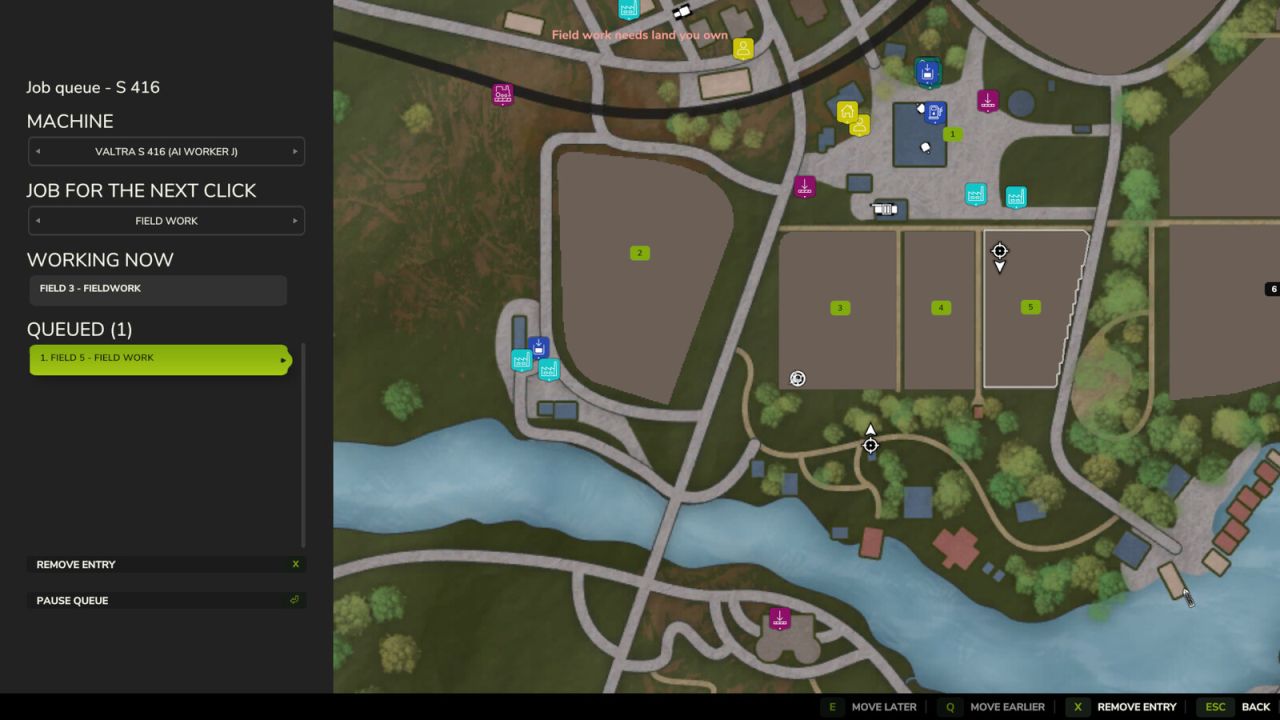
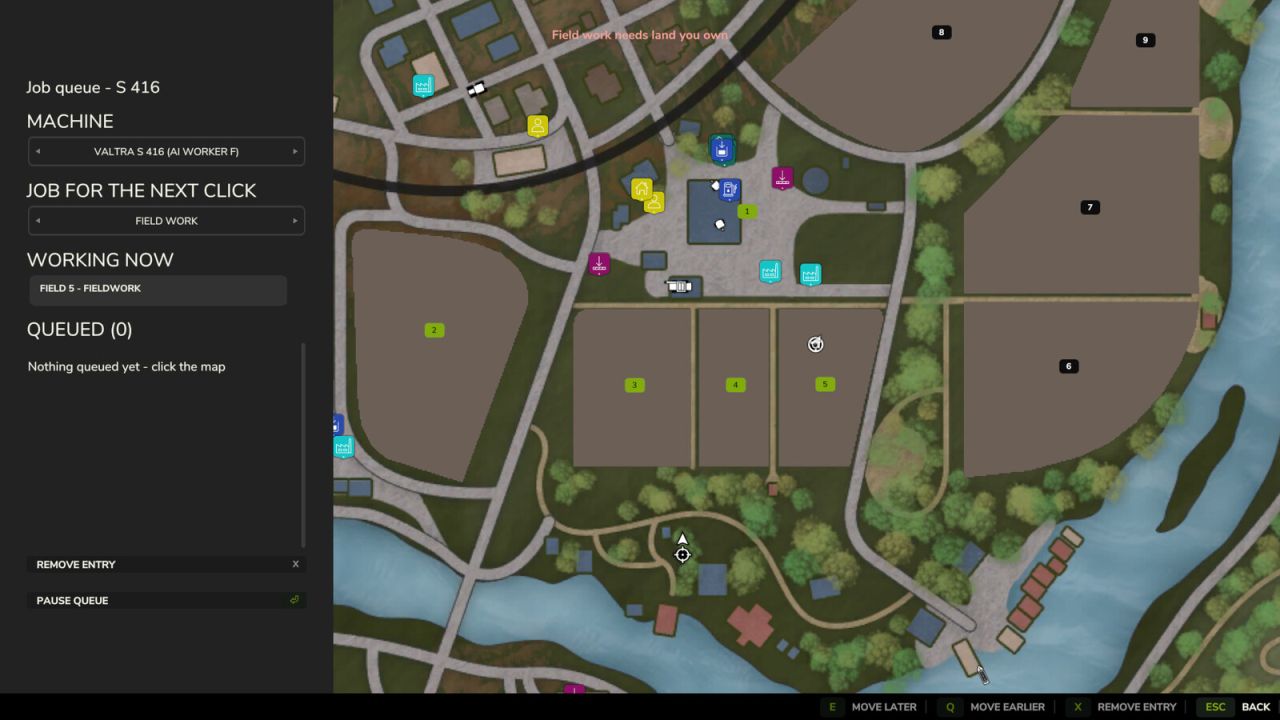
Queue several jobs for one vehicle. When the hired helper finishes, the next entry on the list starts on its own – field after field. An entry is either field work or a drive to a spot you click, so a drive placed on the yard as the last entry is what brings the machine home at the end. The panel also names the job the helper is on right now, so a machine already out working does not read as idle.

A queue set up behind work already under way starts by itself, in either order: whether the helper was hired first and the fields queued behind them, or the fields were queued first and a helper hired the ordinary way afterwards.
The helper still cannot change implements, so every queued field is worked with whatever is attached.

Hotkeys:
Left Alt + Q – open the queue panel (rebindable in the controls menu)

Credits:
19mariusz95


What is this Farming Simulator 25 / 22 mods use for:

Farming Simulator game is so great that is hard to believe that it could be even greater. However, it can be if you play this game with mods! You can have more fun simply installing Farming Simulator 25 mods / Farming Simulator 22 mods. The game became so popular because of supporting mods! What is more, all FS25 mods / FS22 mods are completely free. Every mod has different designation and when there’re so many of them, until you’ll try it you can only imagine what the limits of this game are. So many improvements new tractors and more are waiting for you until you download all of Farming Simulator 25 mods / Farming Simulator 22 mods. Create your own combination of FS 25 mods / FS 22 mods and see how it works in game. Maybe you’re the one who will create a perfect game which doesn’t have any issues. So why don’t you try. Download and install these LS 25 mods / LS22 mods and create your Farming Simulator 25 / Farming Simulator 22 game. Welcome to the biggest Farming Simulator modding community! If you like this mod, please comment bellow.


Best FS25 Other mods

Leave a Reply

Do you need any help or to say thanks to the mod author? Just leave a comment below!