FS25 HUD Mover v1.0.0.0


FS25 HUD Mover v1.0.0.0
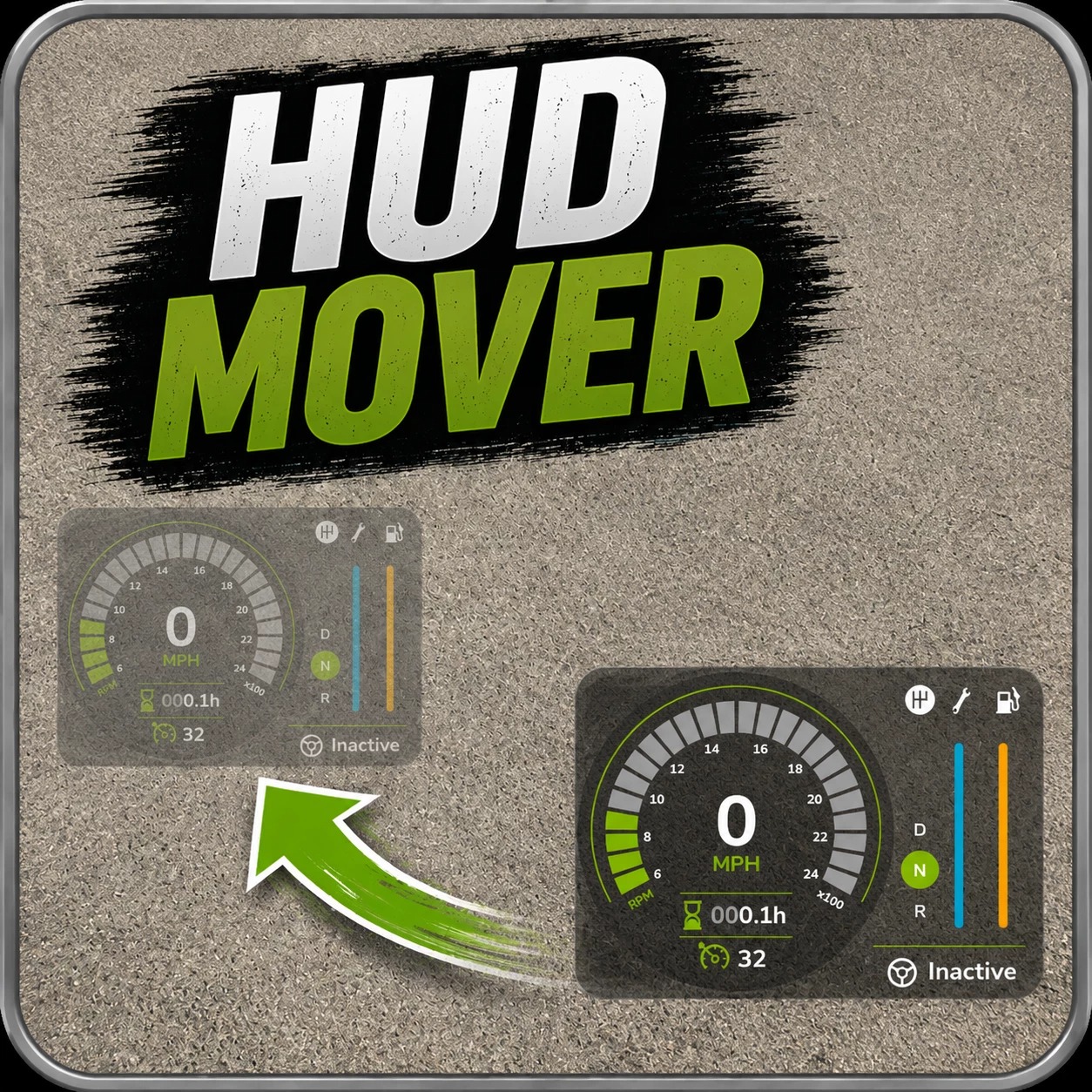
HUD Mover lets you drag base-game HUD elements anywhere on the screen — purpose-built for ultrawide and triple-screen setups where the speedometer, info panel, clock, and minimap end up pinned to the physical screen corners, well outside the player’s line of sight.
How it works
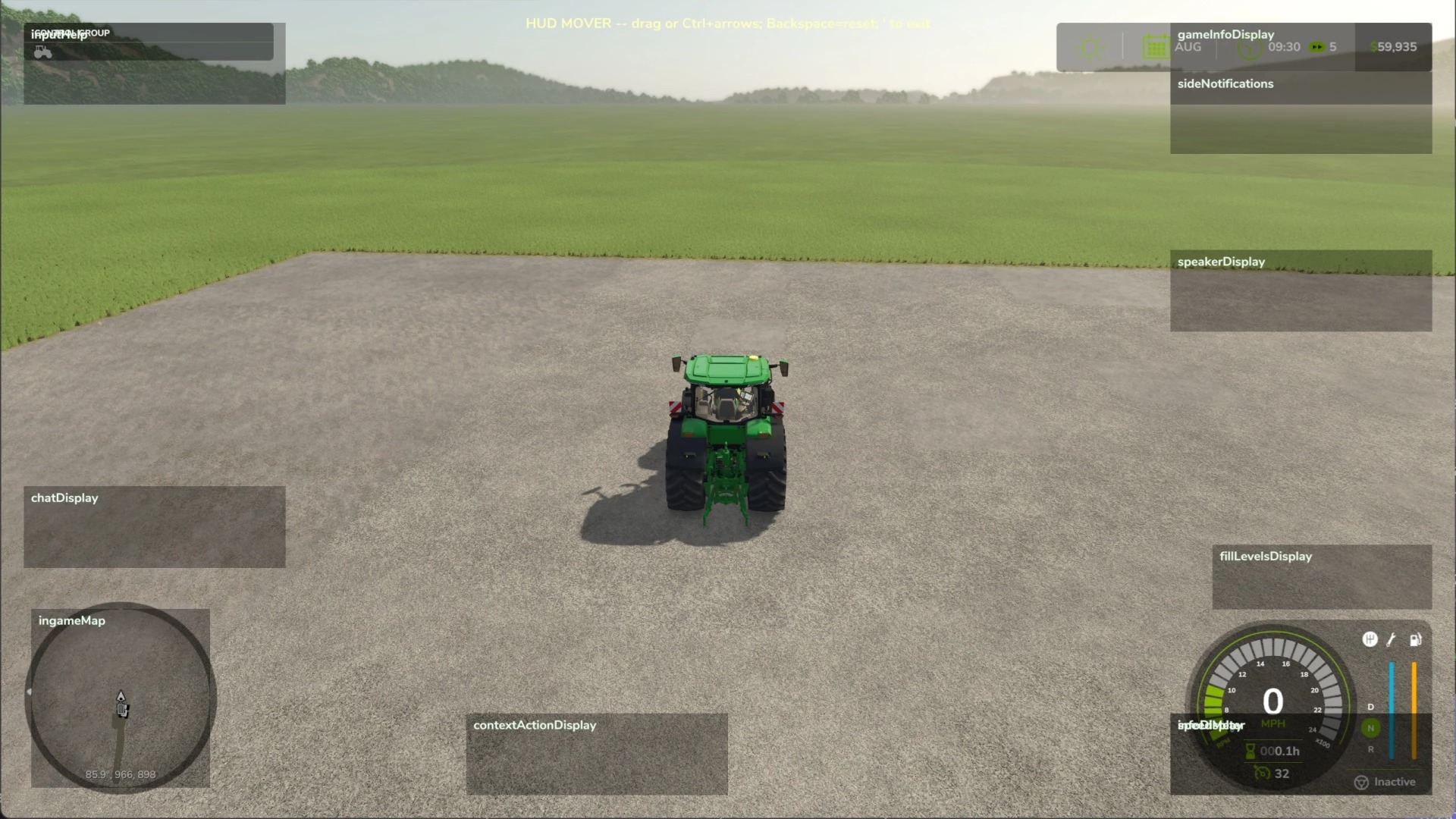
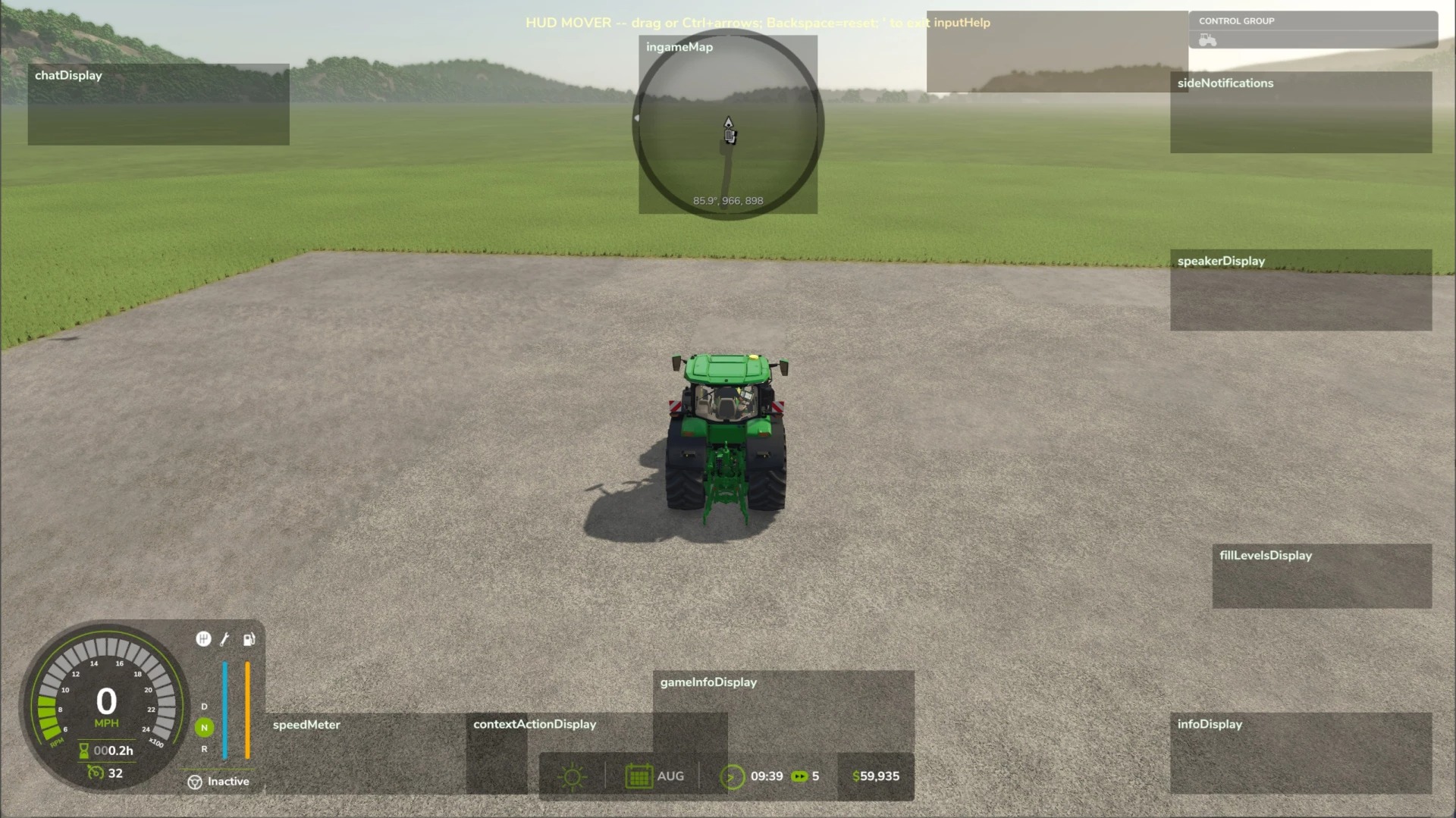
Press ‘ (apostrophe) to enter edit mode — works both on foot and in any vehicle. Mouselook is automatically suppressed, the cursor appears, and every movable HUD element is outlined with a translucent box and label (even the ones currently hidden, so you can position the speedometer’s placeholder while on foot and it’ll appear at the new spot when you climb into a tractor).
– Left-click and drag any HUD element to where you want it.
– Ctrl + arrow keys for fine-tuned nudge of whichever HUD you last clicked.
– Backspace to reset every HUD back to its base-game default.
– Press ‘ again to exit.
Positions are saved to modSettings/FS25_HudMover/positions.xml automatically and restored on the next launch.
What you can move
Anything the base game registers: speedometer, info display (gear/fuel/transmission cluster), game info panel (clock/calendar/money), input help, minimap, fill levels, side notifications, speaker display, chat, vehicle name, context actions. The minimap and fill-levels display each use a dedicated handler so they move as a unit instead of scattering when dragged.
Requirements
– No mod dependencies.
– PC only.
Why this exists
The base game pins HUD elements to absolute screen corners — fine on a single monitor, brutal on triple-screen where those corners are far away from your central viewing area. This mod lets you bring everything in to where you can actually see it.
NischGTM