FS25 GIANTS Editor Forest Generator V1.0.0.0

FS25 Other

FS25 GIANTS Editor Forest Generator V1.0.0.0
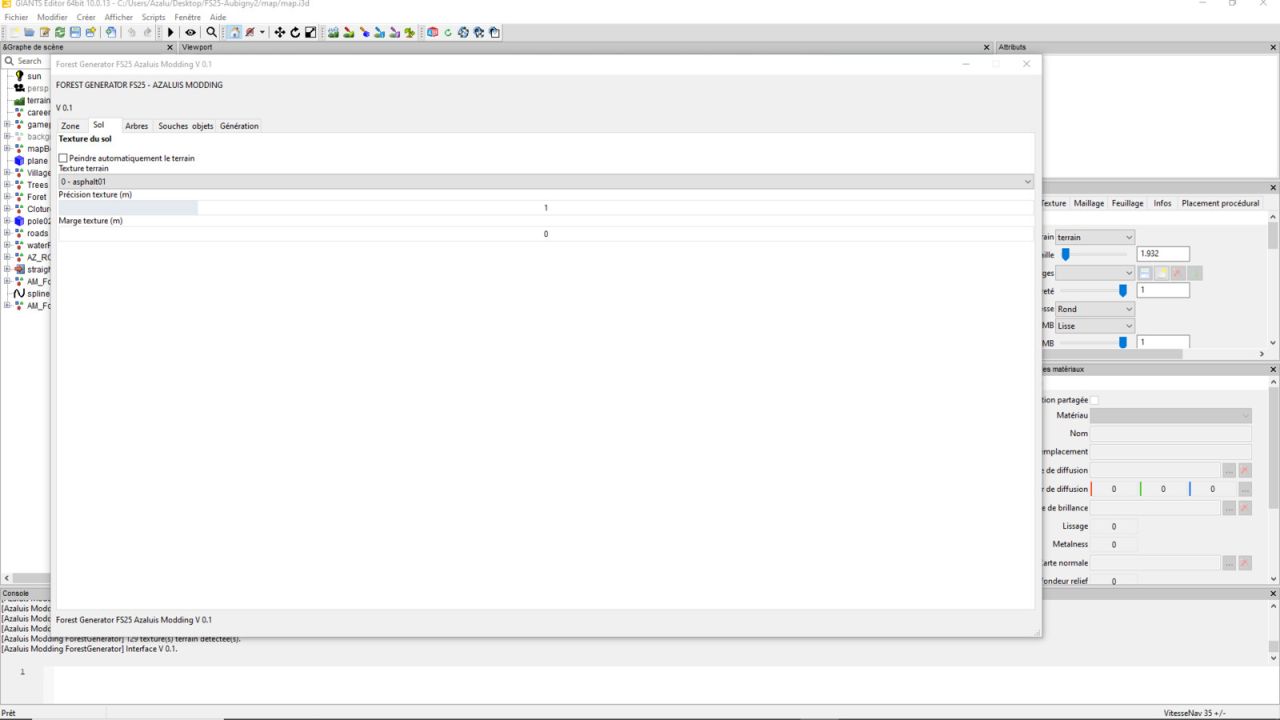

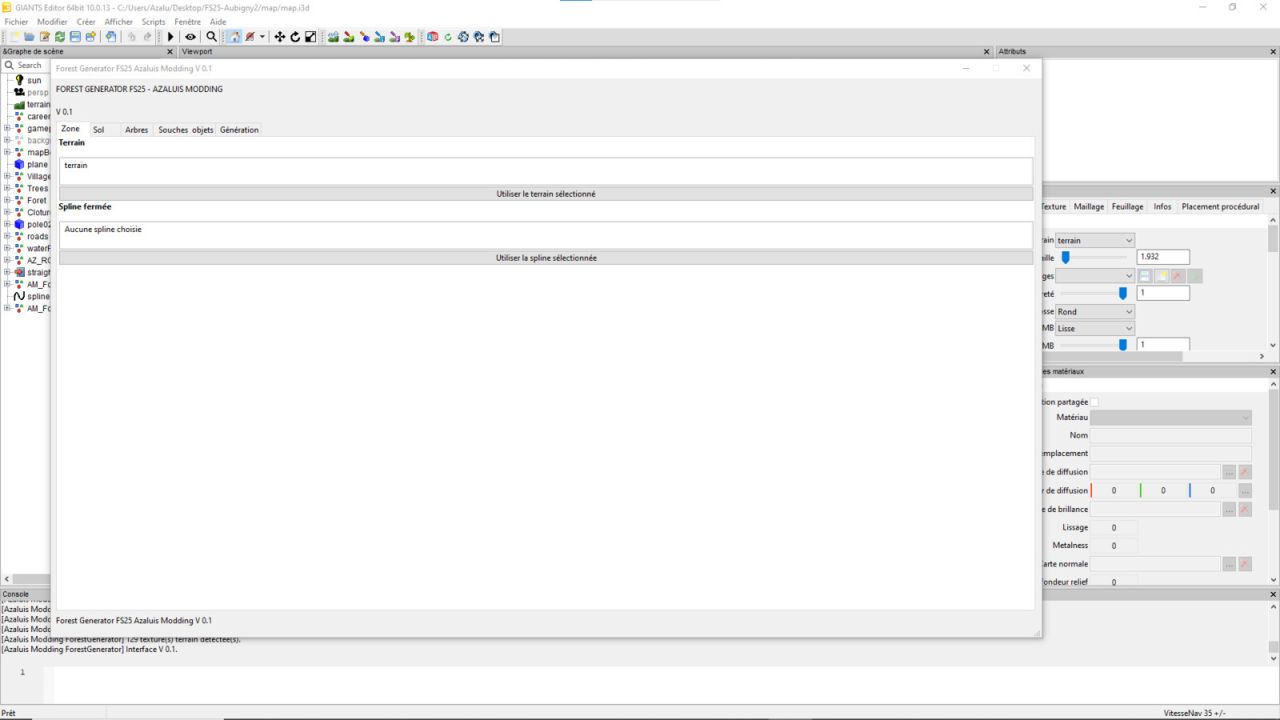
Azaluis Forest Generator is a tool for GIANTS Editor 10 / Farming Simulator 25 that allows you to automatically generate forests from a spline. Simply draw the desired area, select the trees and adjust the various parameters to quickly generate a wooded area directly in GIANTS Editor.

Features
Automatic tree generation
Use of a spline to define the area
Several tree models available
Adjustable density
Customizable spacing
Random rotation
Automatic placement on the terrain
Compatible with sloped areas
Creation of small or large forests
Automatic organization of generated trees

The script is designed to make the work of map creators easier and avoid manually placing hundreds of trees.
Compatible with: Farming Simulator 25 / GIANTS Editor 10

Developed by Azaluis Modding.

Credits:
Azaluis Modding


What is this Farming Simulator 25 / 22 mods use for:

Farming Simulator game is so great that is hard to believe that it could be even greater. However, it can be if you play this game with mods! You can have more fun simply installing Farming Simulator 25 mods / Farming Simulator 22 mods. The game became so popular because of supporting mods! What is more, all FS25 mods / FS22 mods are completely free. Every mod has different designation and when there’re so many of them, until you’ll try it you can only imagine what the limits of this game are. So many improvements new tractors and more are waiting for you until you download all of Farming Simulator 25 mods / Farming Simulator 22 mods. Create your own combination of FS 25 mods / FS 22 mods and see how it works in game. Maybe you’re the one who will create a perfect game which doesn’t have any issues. So why don’t you try. Download and install these LS 25 mods / LS22 mods and create your Farming Simulator 25 / Farming Simulator 22 game. Welcome to the biggest Farming Simulator modding community! If you like this mod, please comment bellow.


Best FS25 Other mods

Leave a Reply

Do you need any help or to say thanks to the mod author? Just leave a comment below!