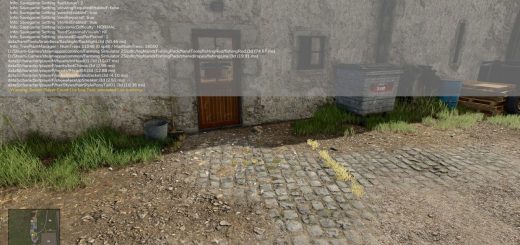
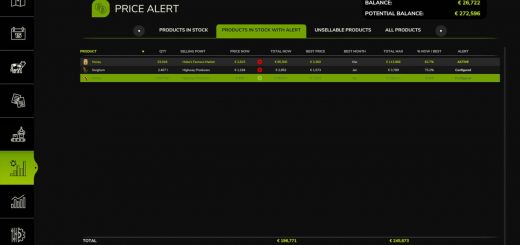
FS25 Farm Tablet V2.3.1.0


FS25 Farm Tablet V2.3.1.0
FarmTablet — A compact, all-in-one farm management tablet for Farming Simulator 25.
Originally inspired by a tablet mod for FS17, built from scratch for FS22 and now fully converted and rewritten for FS25. The goal is simple: useful farm info at a glance, without getting in the way of gameplay.
The mod has been rebuilt with a clean, modular structure — every app lives in its own file, making it easy to expand, fix and improve over time. It’s actively developed and shaped by community feedback.
What’s in it right now:
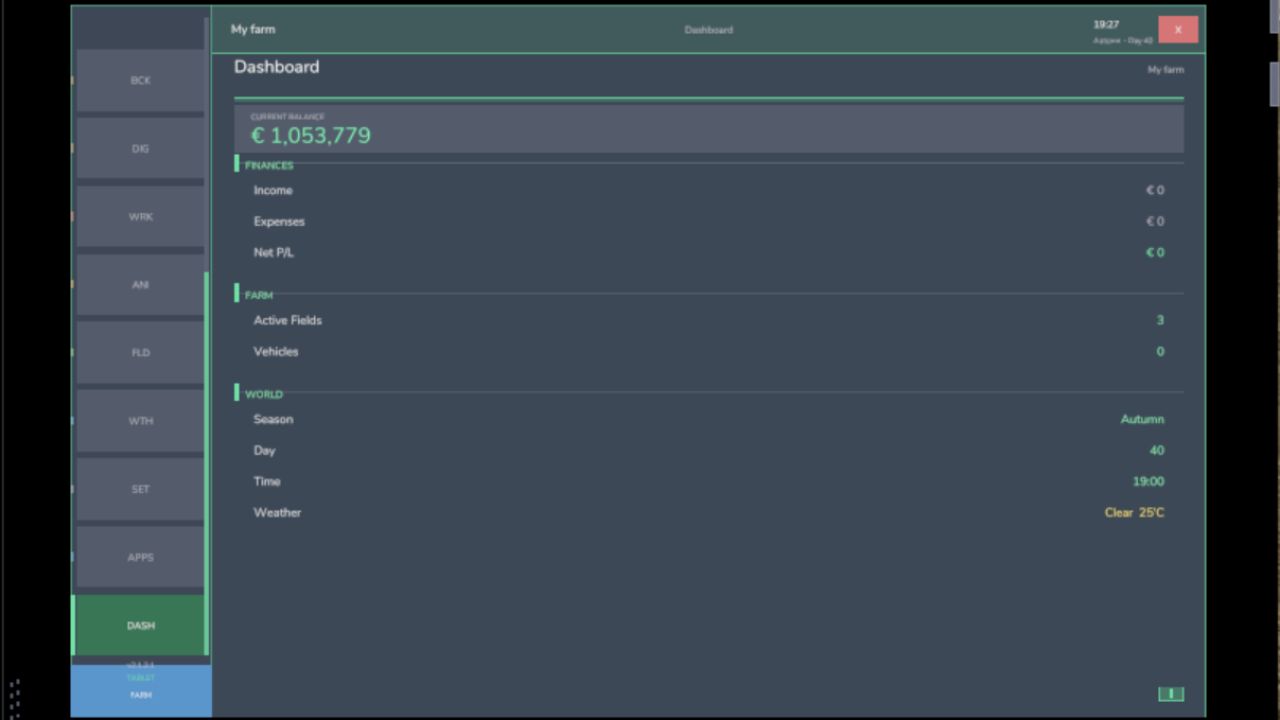
Dashboard — farm overview with balance, fields, vehicles and world state
Weather — current conditions, temperature, wind, cloud cover and forecast
Fields — all owned fields with crop type and growth stage
Animals — pen status with food, water and cleanliness levels
Workshop — nearby vehicle diagnostics with fuel, wear and operating hours
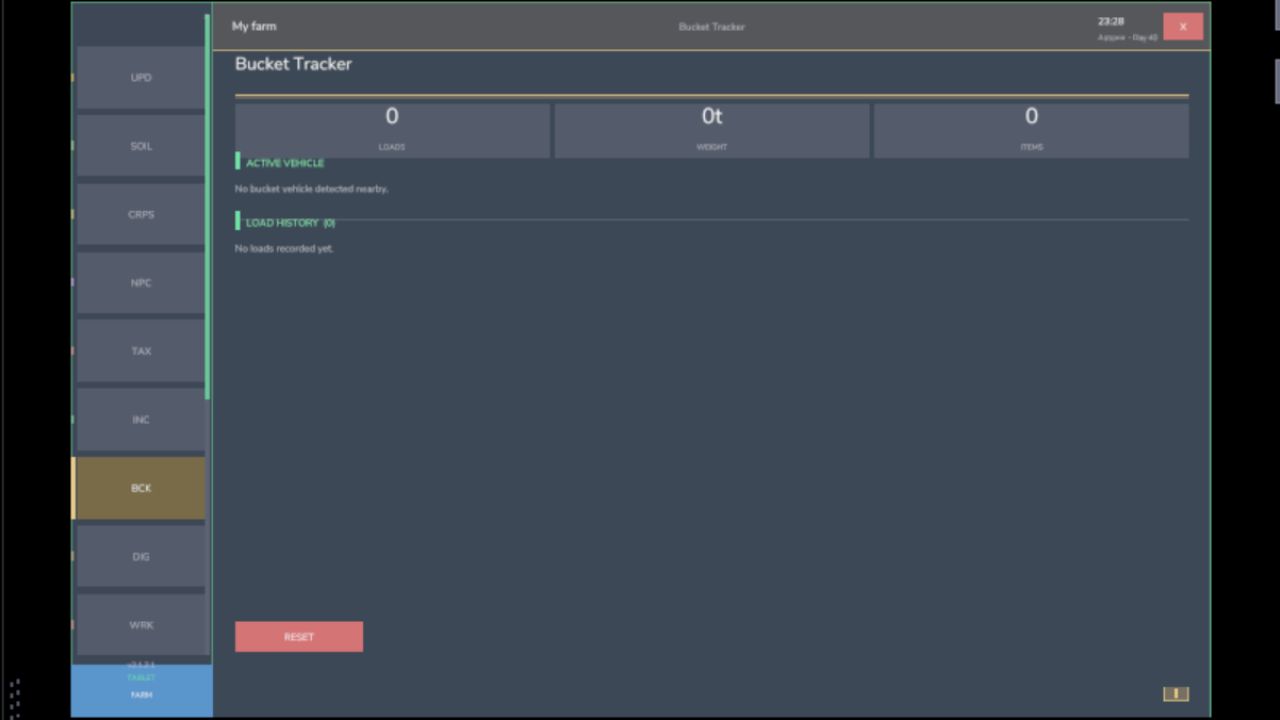
Bucket Tracker — load counter for wheel loaders and excavators
Digging — excavation, tracking and soil scanner
App Store — browse and manage installed apps
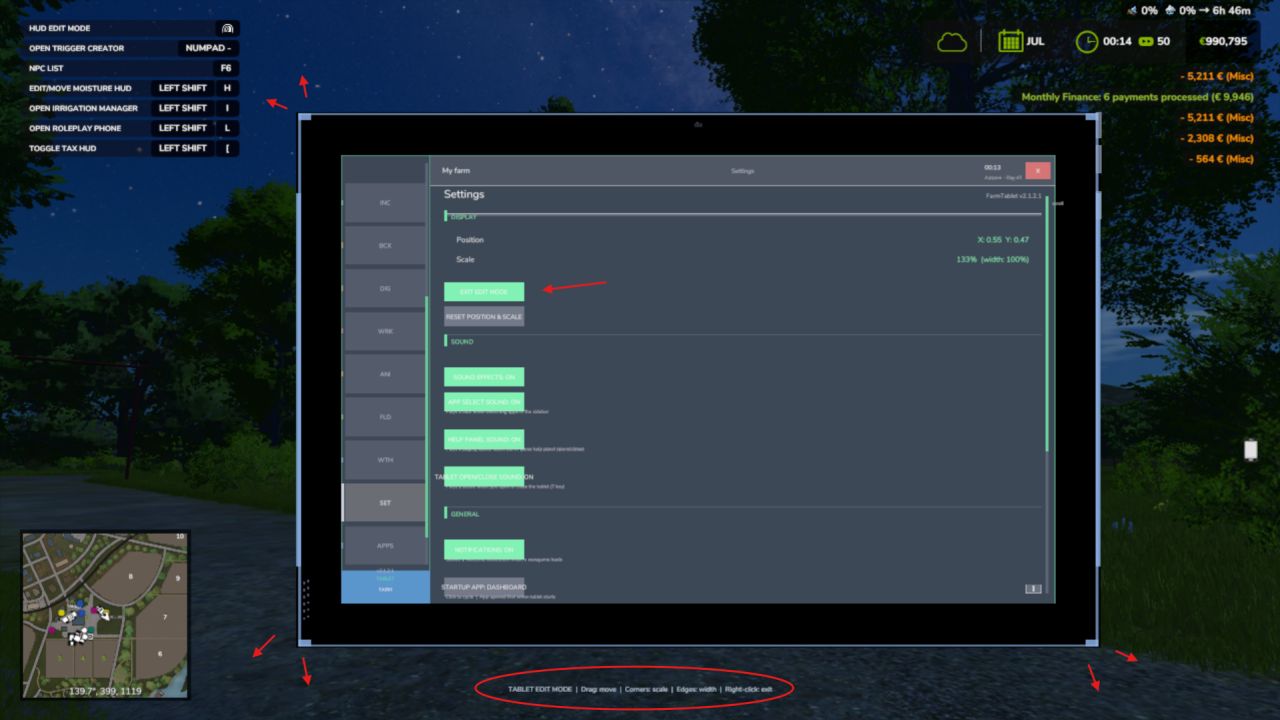
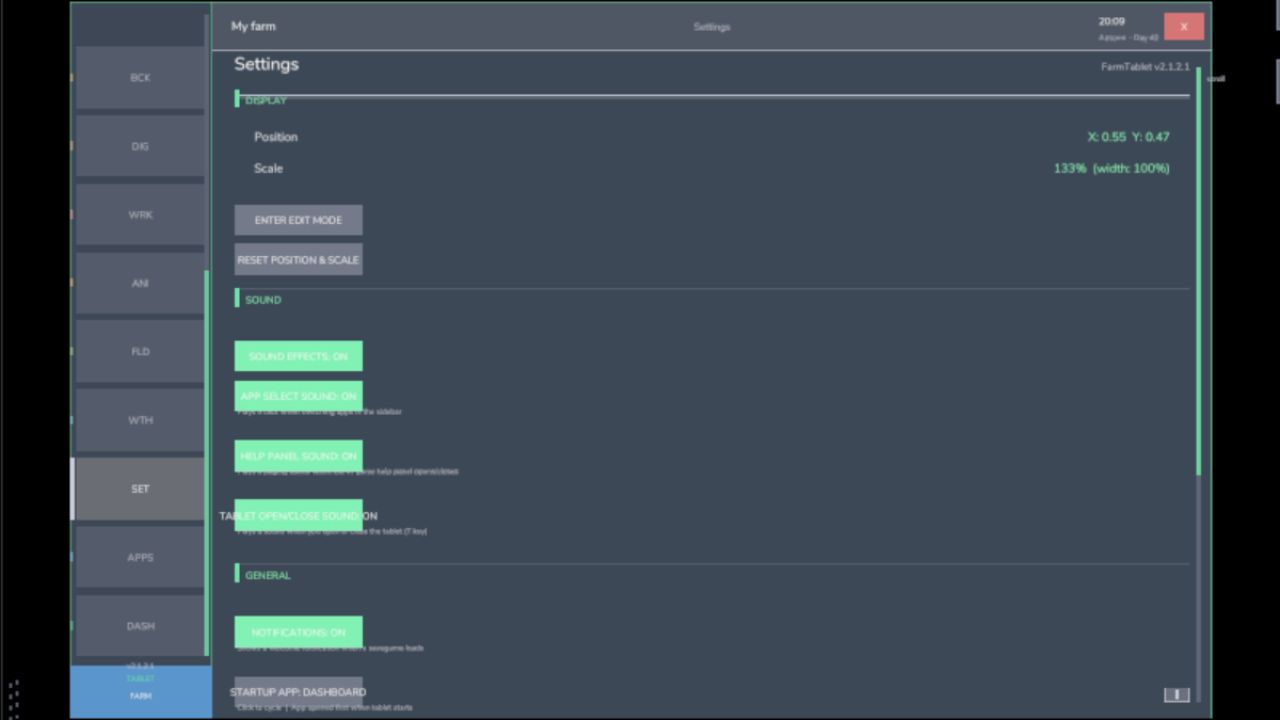
Settings — configure the tablet from the pause menu
Updates — changelog and version history
Mod integrations (auto-detected at runtime, safe to run without them):
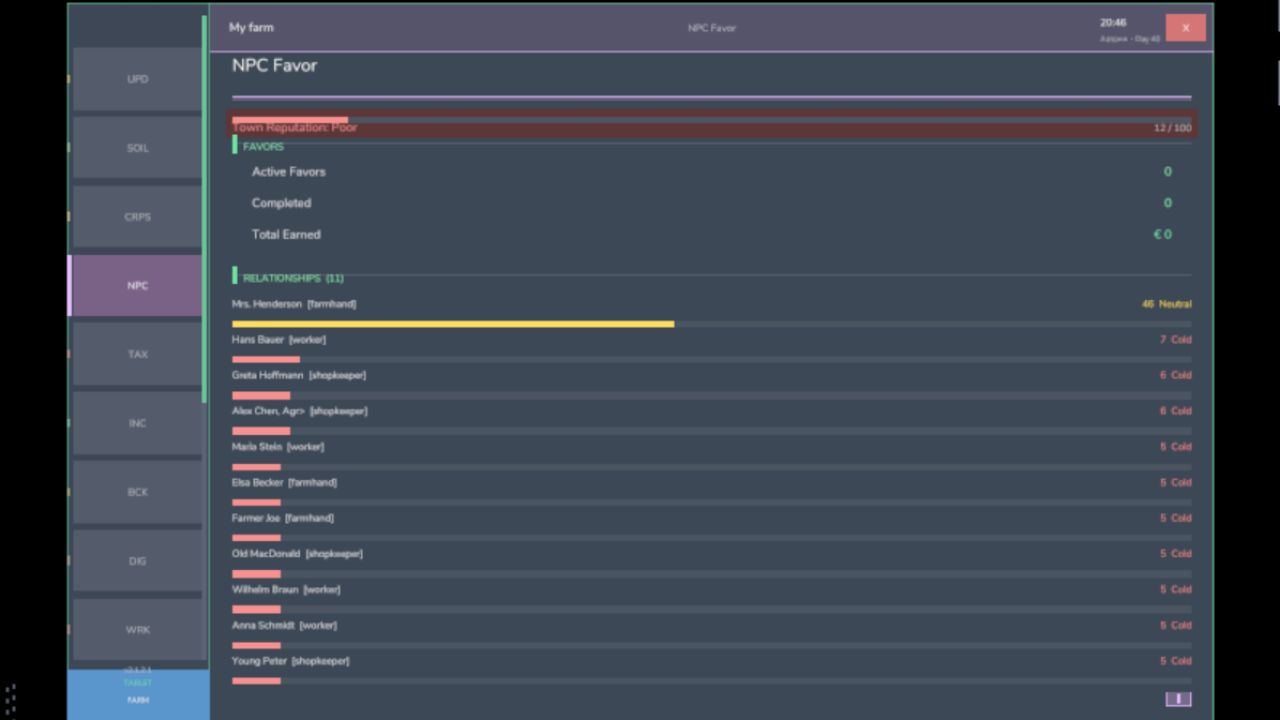
NPC Favor, Soil Fertilizer, Seasonal Crop Stress, Income Mod, Tax Mod
What’s coming next:
Better tablet visuals and frame design
Icons instead of text labels
Sounds, color tweaks and UI polish
More apps and deeper interactions based on feedback
Multiplayer improvements
The mod is in active development. Bug reports, ideas and suggestions are always welcome — this is a community project and your feedback directly shapes what gets built next.
COPYRIGHT NOTICE:
All rights reserved. Unauthorized redistribution, copying, or claiming this mod as your own is strictly prohibited.
V2.3.1.0
The tablet key now works correctly after rebinding in the FS25 controls menu. Previously, the mod only registered the keybind once at startup and never picked up changes; this is now fully fixed.
What’s new / fixed:
– Fixed: rebinding the tablet key (default T) in the FS25 controls menu
now takes effect immediately, the new key works on foot, in vehicles,
and after any context switch
– The tablet toggle action now appears in the FS25 controls menu under
its own entry (FT_TOGGLE_TABLET) and can be rebound like any other
game action
– Fixed: a crash on load caused by a corrupted internal file. In some cases, the tablet would fail to register its console commands silently
– French translation improved with native translations from the community contributor Seb app names and help text that were showing in English are now fully translated
Saves: No migration needed.
Required mods:
Income Mod
Tax Mod
NPC Favor
Realistic Soil & Fertilizer
Seasonal Crop Stress
Market Dynamics
Realistic Worker Costs
Random World Events
tisonK