FS25 Scrap Spawner V1.0.0.0

FS25 Scrap Spawner V1.0.0.0
Basic concept of the mod
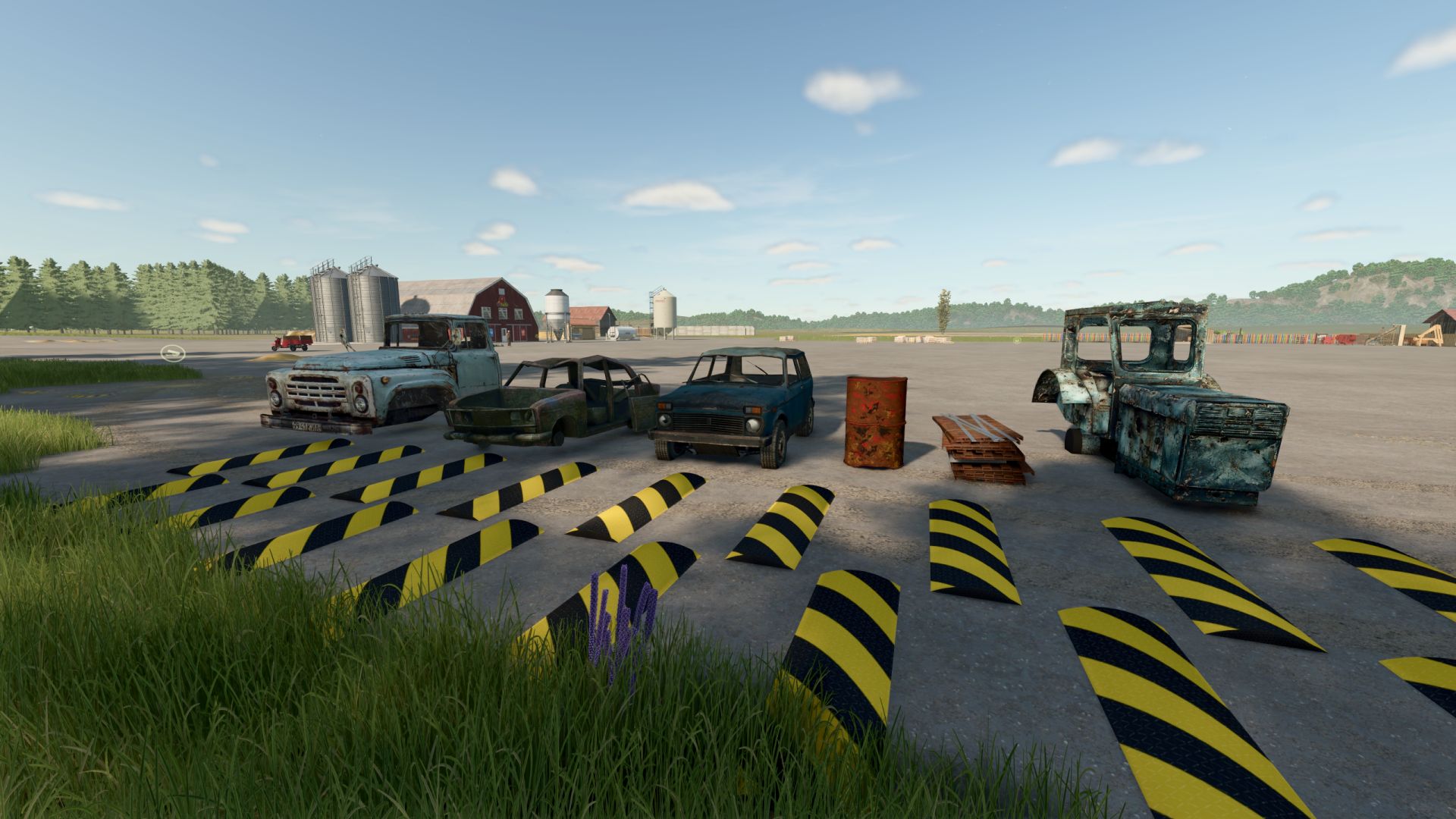
Scrap Spawner is discarded scrap metal all over the map! A mod that adds to the game the dynamic appearance of random pallet objects with car parts, bodies and various scrap metal. It all looks like natural junk scattered around the world – as if old cars were once left in forests, on roadsides or abandoned fields.
1. Random spawning of scrap metal throughout the map
The mod periodically creates pallets with “ferrous metal objects” in random points of the world.
Each pallet is an empty model of an old car or body part.
2. Complete realism
ScrapSpawner takes into account the environment:
does not spawn garbage in water, even in shallow water.
does not appear in the fields (so as not to disturb farmers).
does not appear inside buildings, equipment or trees.
searches only for physically free places
That is, everything looks as if it is really old trash, forgotten somewhere in the forests or plantings.
3. Seamless integration with maps
The mod automatically detects the map size and works correctly on both standard and large mod maps.
4. Ferrous metal detectors – a new type of tool!
The mod includes two unique tools:
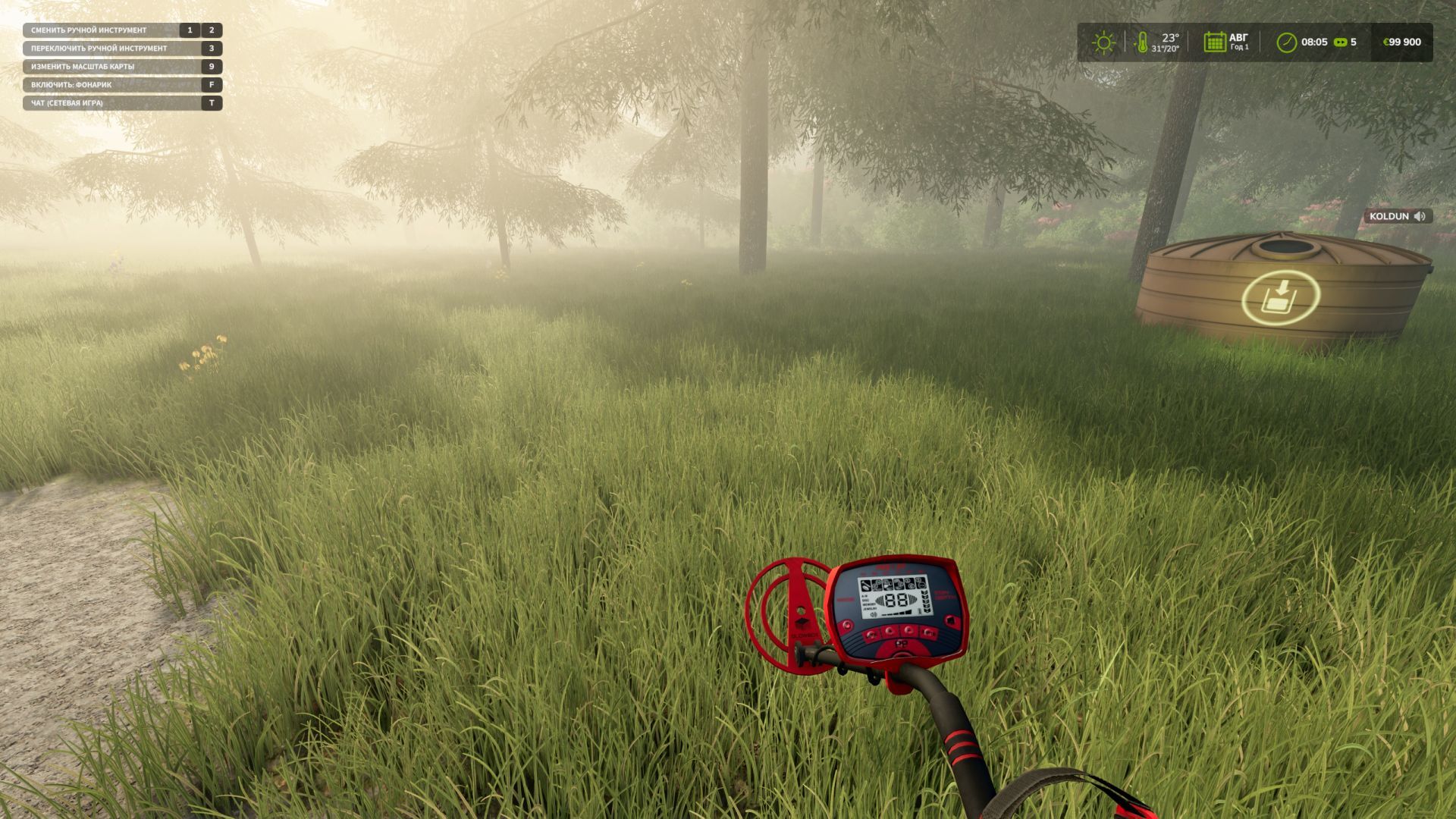
Metal Detector (search for real pallets)
– finds real objects on the map
– beeps more often when approaching
– shows distance
– allows you to hunt metal as if it were treasure
Scrap Hunter (search for hidden points)
– When you pick up a metal detector, you can find a variety of loot in the ground.
– when approaching the center of the “conventional loot point” – the player receives a reward in the form of money
– There is a Sixth Sense mode, which will briefly highlight dots where valuables are supposed to be located. (has a cooldown of 125 seconds)
This turns an ordinary walk around the map into a hunt for scrap metal.
5. New Contracts
1) Contract system for collecting scrap metal:
– When accepting a contract, your own zone is created
– the mod correctly selects the center of the zone, avoiding the edges of the map, water and fields
– the necessary “ferrous metal pallets” will spawn inside the zone
– progress is displayed as in standard missions
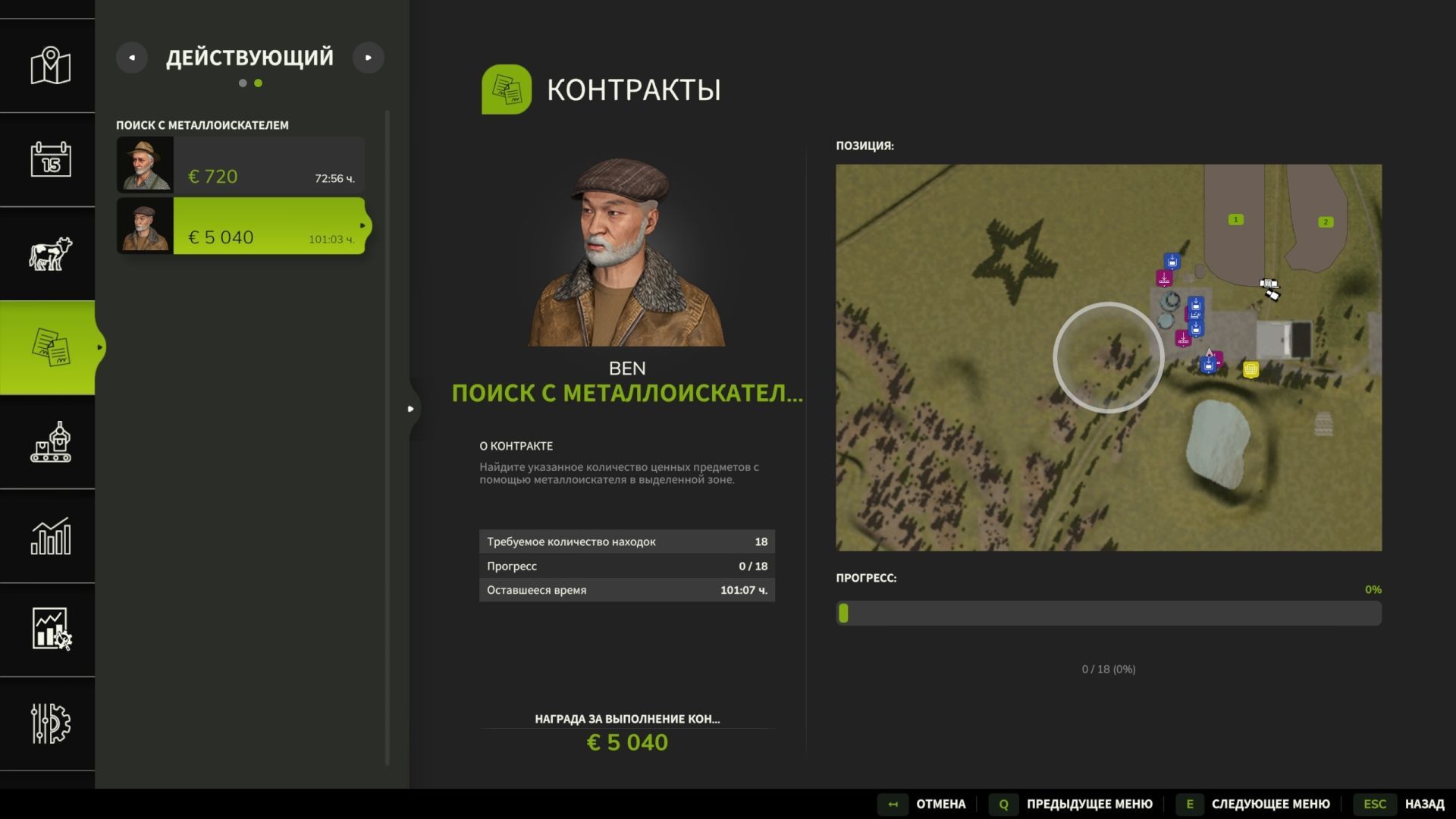
2) System of contracts for searching for valuables using a metal detector
– When accepting a contract, your own zone is created
– By collecting valuables in this zone using a metal detector, they are taken into account in progress
– progress is displayed as in standard missions
ATTENTION! For contracts to appear, be sure to place a point of sale from the mod!
6. Statistics and new GUI page in the ESC menu
A new tab appears in the game menu:
Scrap Overview – complete statistics of scrap metal and your finds on the map
Shows:
– volume of each type
– volume of one pallet
– total volume
– number of pallets
– environmental status of the map (usual convention)
– your finds using a metal detector
BMProd