FS25 Realistic Harvesting V1.4.3.0


FS25 Realistic Harvesting V1.4.3.0
What does this mod do?
This mod completely overhauls the harvesting mechanics in Farming Simulator 25! Your combine will no longer be able to unrealistically harvest at full speed in dense crops without consequences. The harvesting speed and efficiency are now dynamically tied to the thresher load and your machine’s calibration.
Key Features:
Realistic Load Calculation: The denser the crop and the wider the header, the slower the combine moves. Overload the engine, and you will begin to physically lose yield!
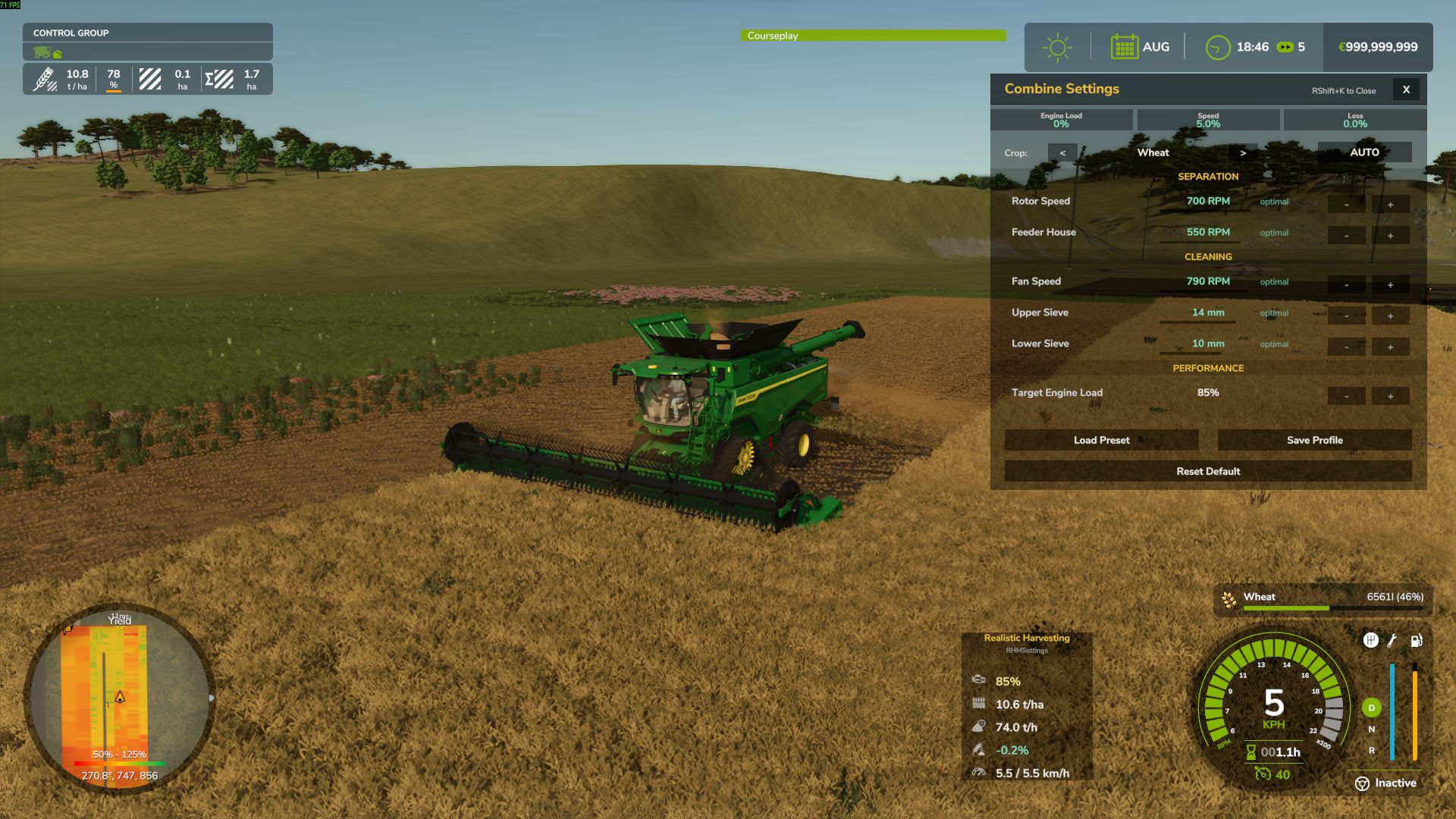
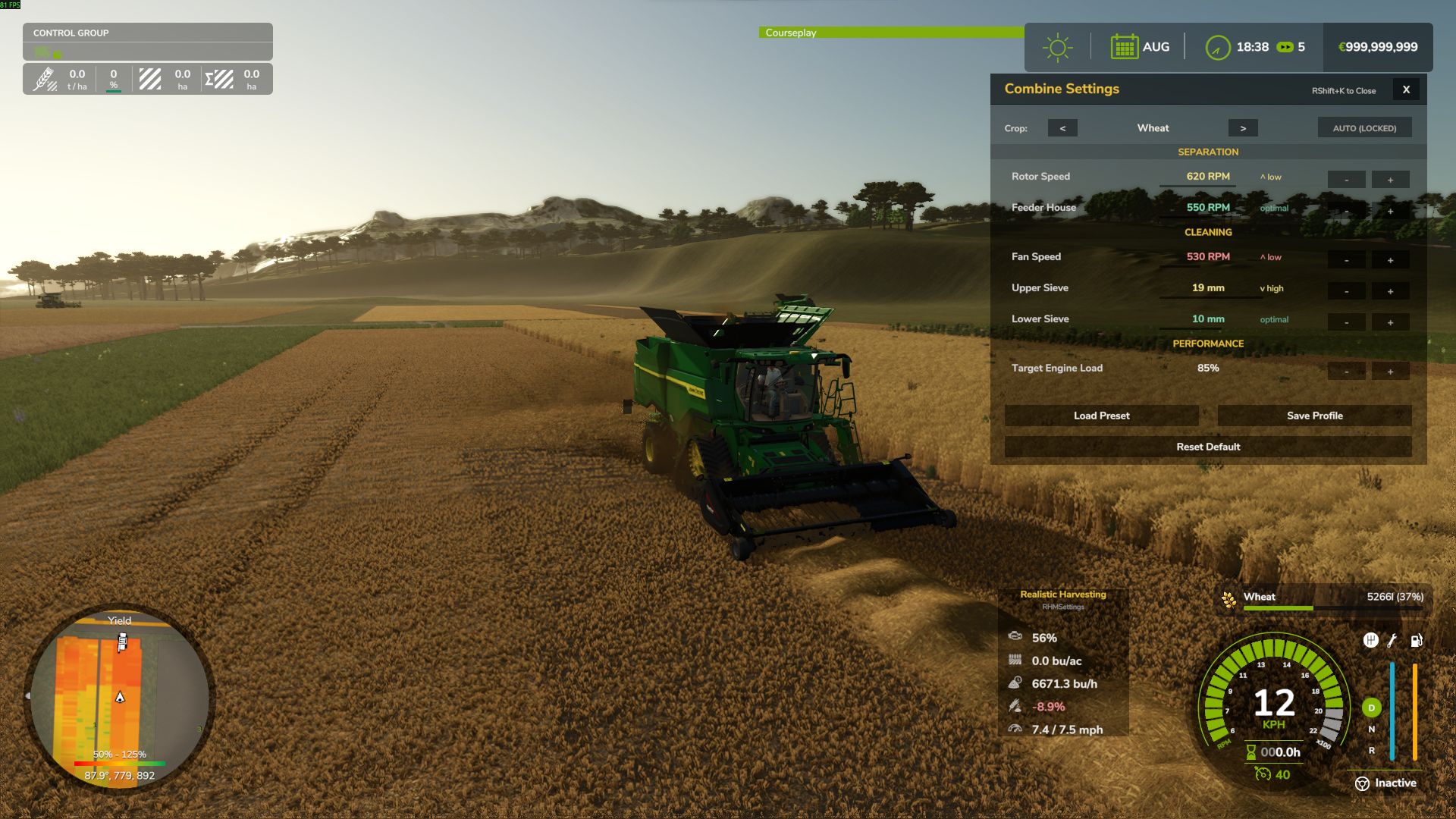
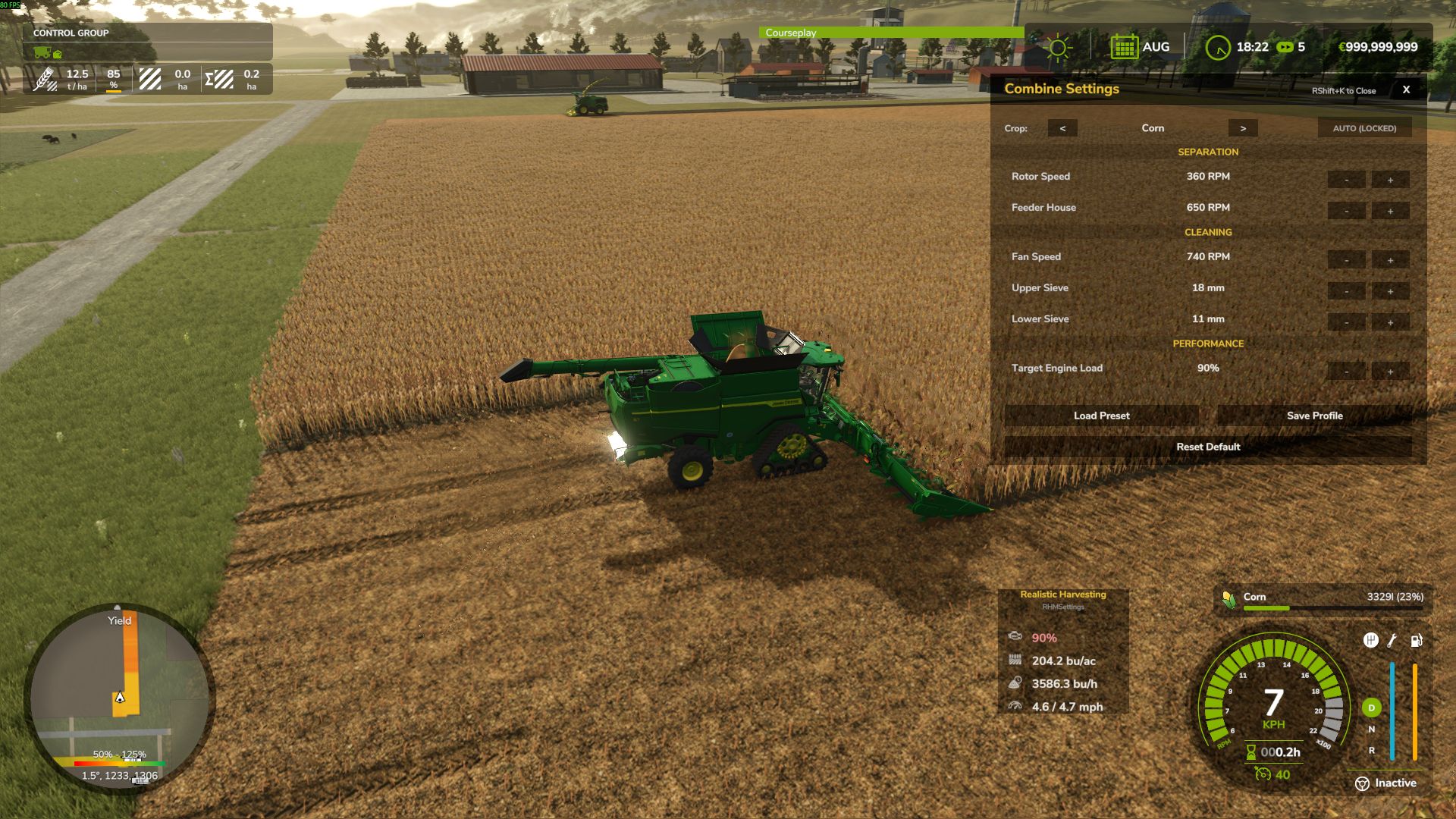
Interactive Combine Calibration (NEW): Press `RShift + K` to open the Combine Settings menu! You must calibrate your Fan, Rotor, Sieves, and Feeder for each specific crop type. Poor settings will result in additional crop loss!
Global Crop Profiles (NEW): Save your perfectly tuned calibration profiles globally. Switch combines or rejoin the server, and your favorite settings for Wheat, Corn, or Soybeans are instantly applied.
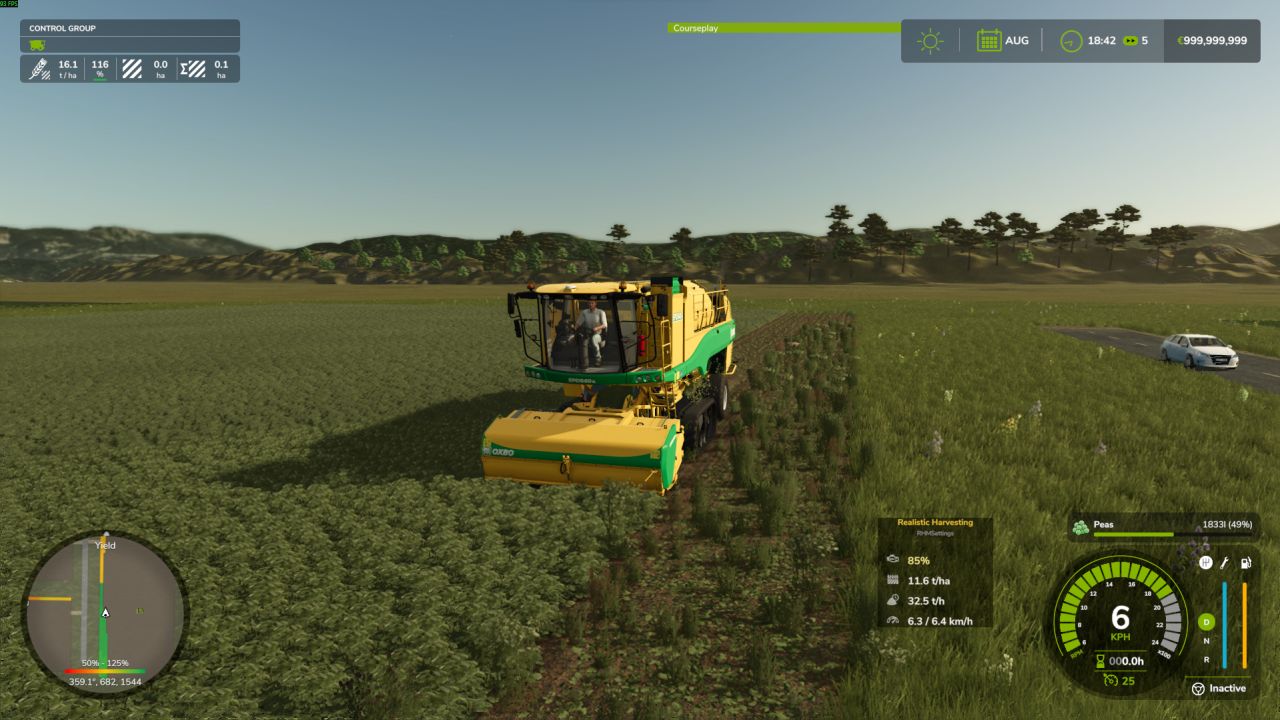
Dynamic Yield & Info HUD: A customizable, draggable display showing real-time Engine Load, Productivity (T/h), Crop Loss %, and Yield (t/ha or bu/ac).
Physical Crop Loss System: Pushing the combine past 95% engine load or using suboptimal threshing settings will physically reduce the volume of grain entering your bunker. Drive smart, not fast!
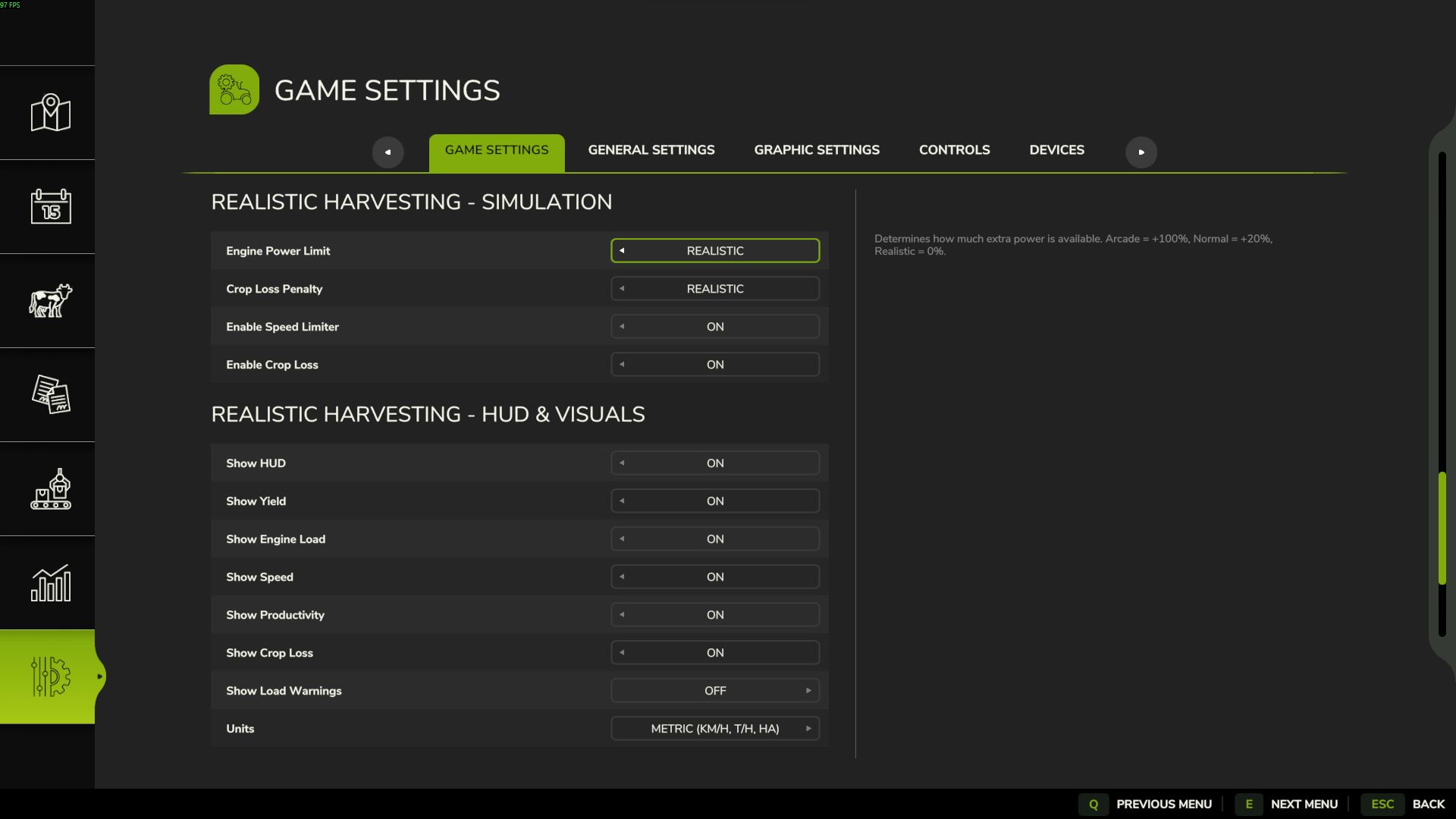
Difficulty Modes: Choose your playstyle in the game settings (ESC -> settings tab):
– Arcade: Minimal speed restrictions. For relaxed gameplay.
– Normal: Balanced experience. You will feel the weight of heavy crops like corn or wheat, with forgiving loss penalties.
– Realistic: For simulation fans. Speed and crop loss are strictly tied to the combine’s physical capacity and your manual calibration settings.
V1.4.3.0
– NEW: Purchasing System! Added functionality to purchase advanced combine calibration settings, adding a new layer of career progression.
– NEW: Completely redesigned the interactive Combine Calibration GUI with new culture selection, interaction improvements, and additional information tabs.
– NEW: Improved draggable HUD displaying harvester performance, including graphical meters for yield and engine load.
– NEW: Added 7 detailed pages to the in-game Help Menu covering all mod mechanics, with unique custom icons and localization for 11 languages.
– NEW: “Crop Loss” translation page added and refined mod descriptions across all supported languages.
– IMPROVED: Revised the core logic of speed dependence on engine load: minimum crop losses now legitimately start at 80% load instead of 100%.
– IMPROVED: Forage harvester load factor is now fully dynamic based on crop density and cutter width.
– IMPROVED: Refactored settings injection mechanism to use safe class-level engine hooks (`InGameMenuSettingsFrame.onFrameOpen`) for maximum compatibility with DLCs (Vredo Pack, Precision Farming, etc.).
– IMPROVED: Global Namespace Refactoring: All internal classes and files were renamed with the `RHM_` prefix to prevent collisions with other third-party mods.
– IMPROVED: Completely rebuilt the mod’s debugging architecture. All debug outputs are now strictly gated behind the game’s `-devWarnings` flag, keeping the user’s `log.txt` perfectly clean by default.
– FIXED: Resolved a critical UI conflict where DLC settings disappeared from the game menu when Realistic Harvesting was active.
– FIXED: Corrected filename capitalization in `main.lua` (`RHM_Combine`, `RHM_Renderer`), resolving the infamous 55% loading screen freeze.
– FIXED: Resolved a bug where changes in the settings menu were not saved correctly or synced to the server due to an invalid callback signature.
– FIXED: Eliminated massive console spam (60 logs per second) caused by “Crop Loss Applied” during harvesting in developer mode.
– FIXED: Corrected XML syntax errors (`<paragraph>` tags) in `modDesc.xml` to ensure the Help Menu text renders perfectly without engine warnings.
– IMPROVED: Optimized the UI layout to use the standard `gameSettingsLayout` for consistent menu positioning.
– IMPROVED: Removed the redundant “Reset” button (X) from the footer as it was causing layout instability with other mods.
exekx