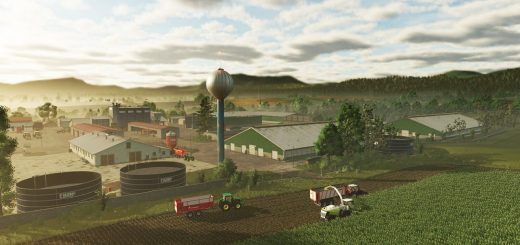
FS25 Feliz Map v1.4.0.2

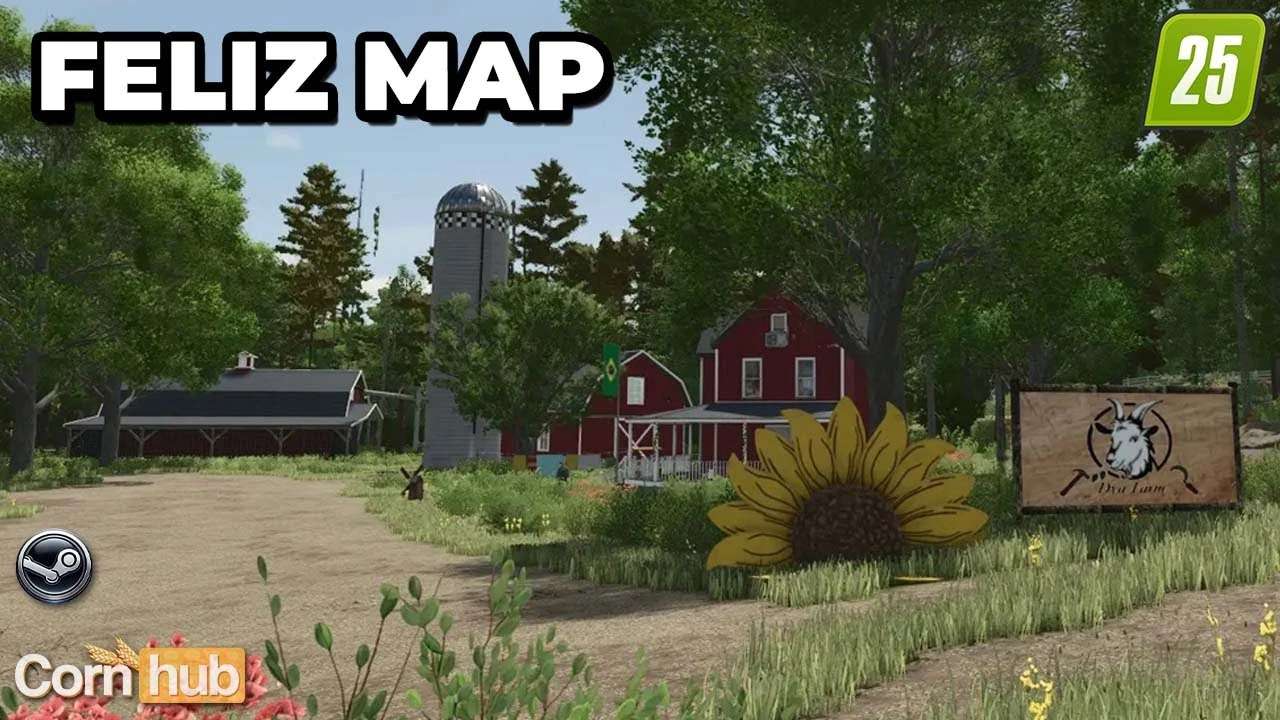
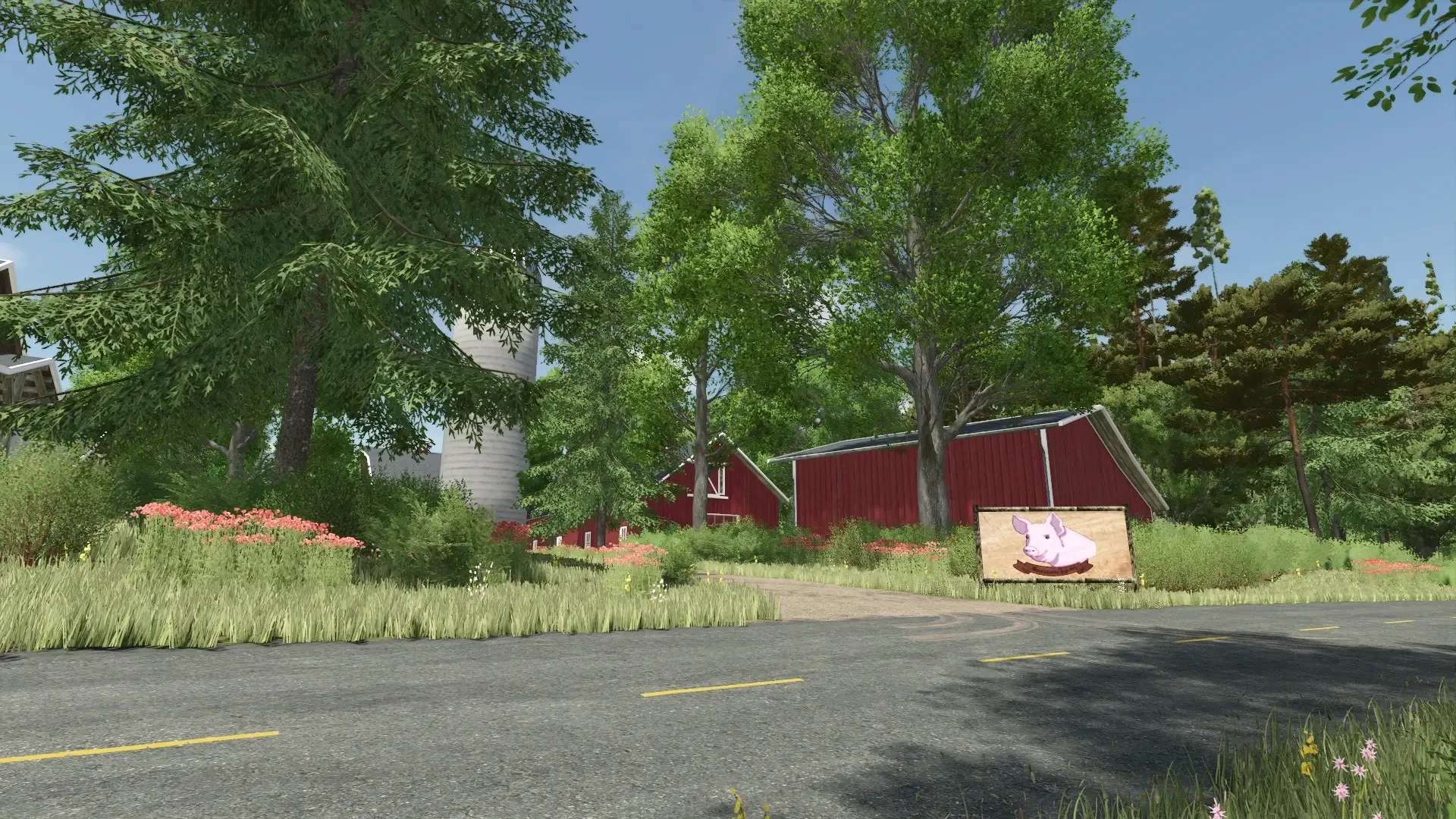
FS25 Feliz Map v1.4.0.2
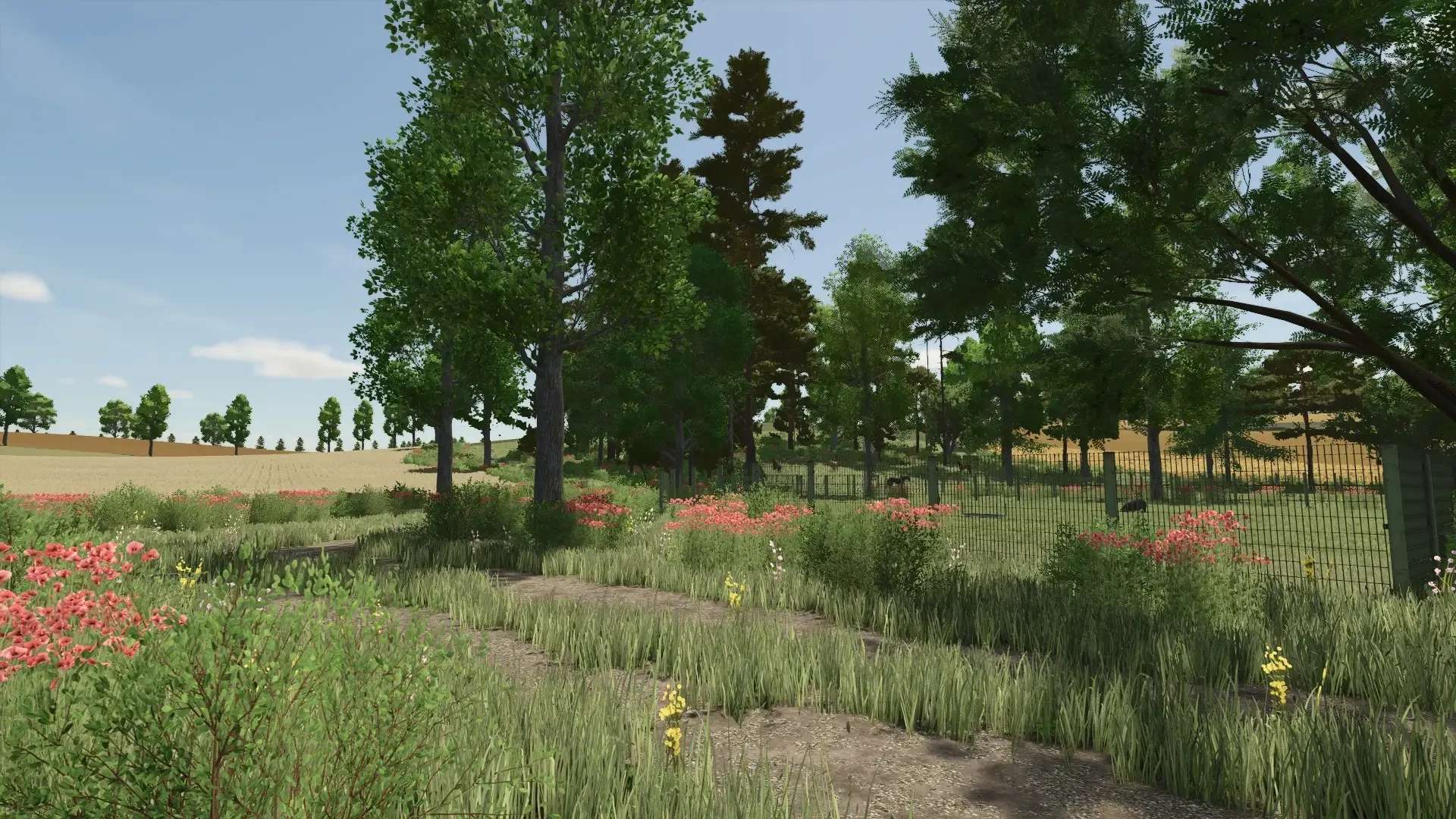
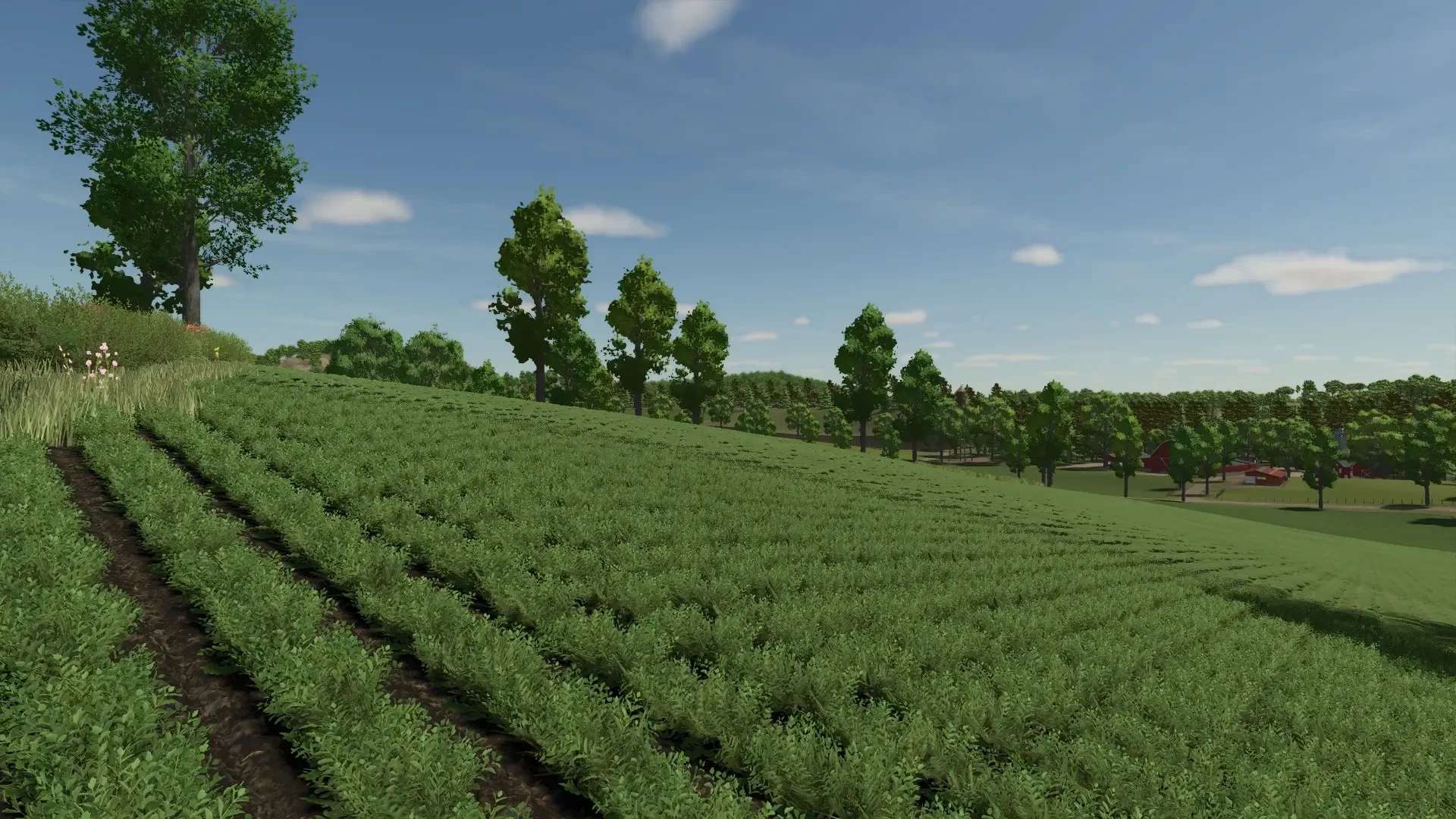
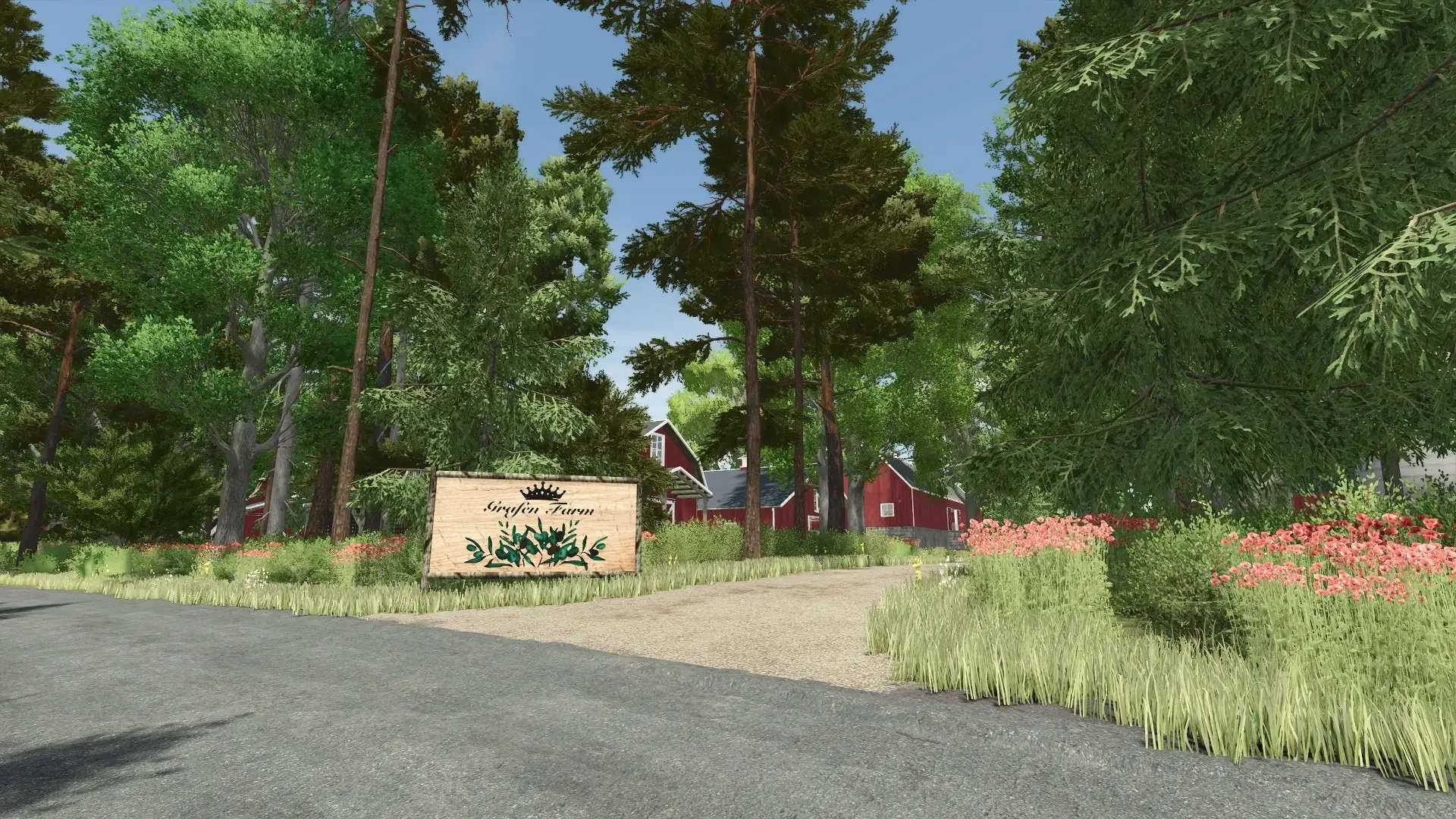
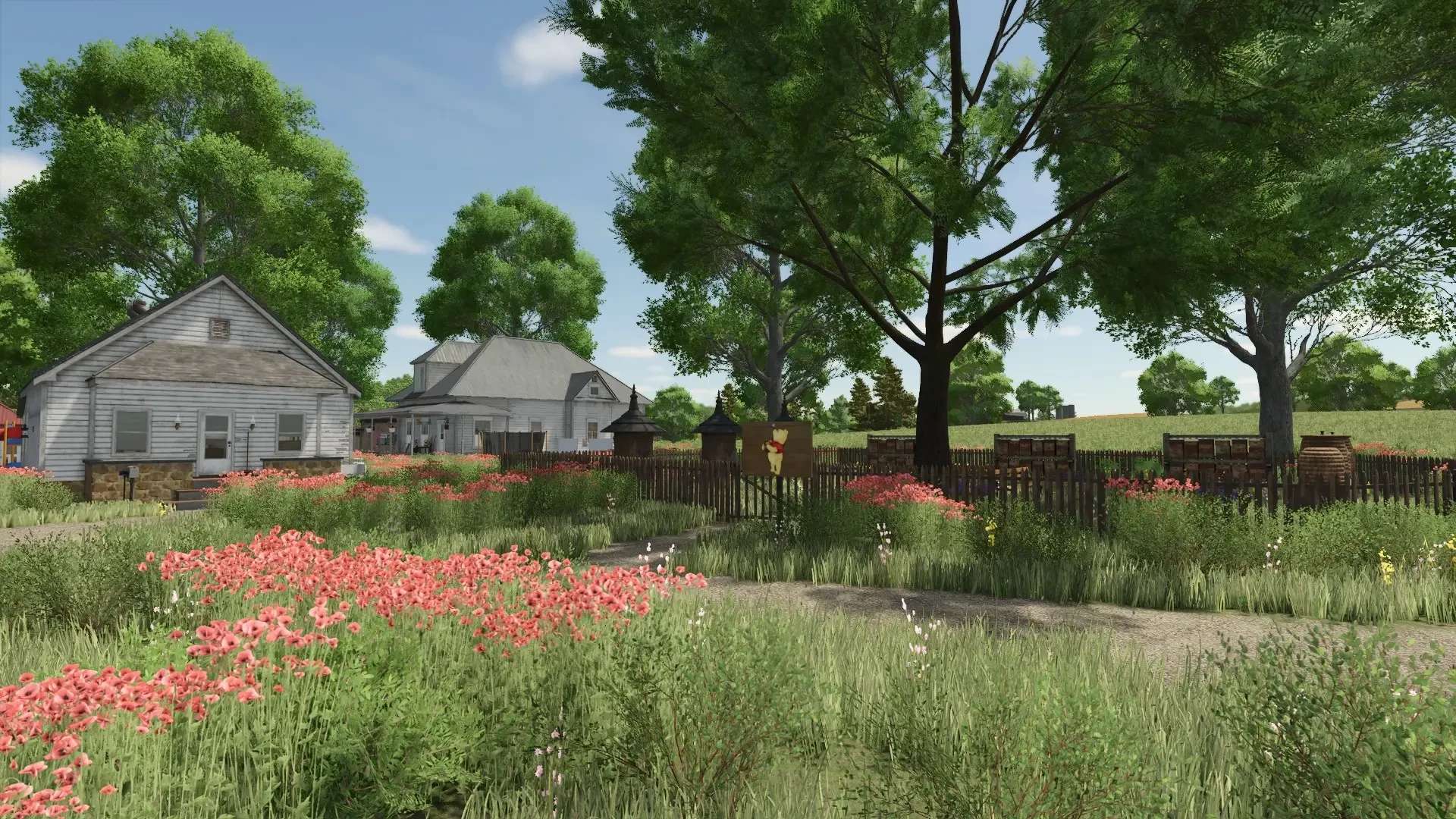
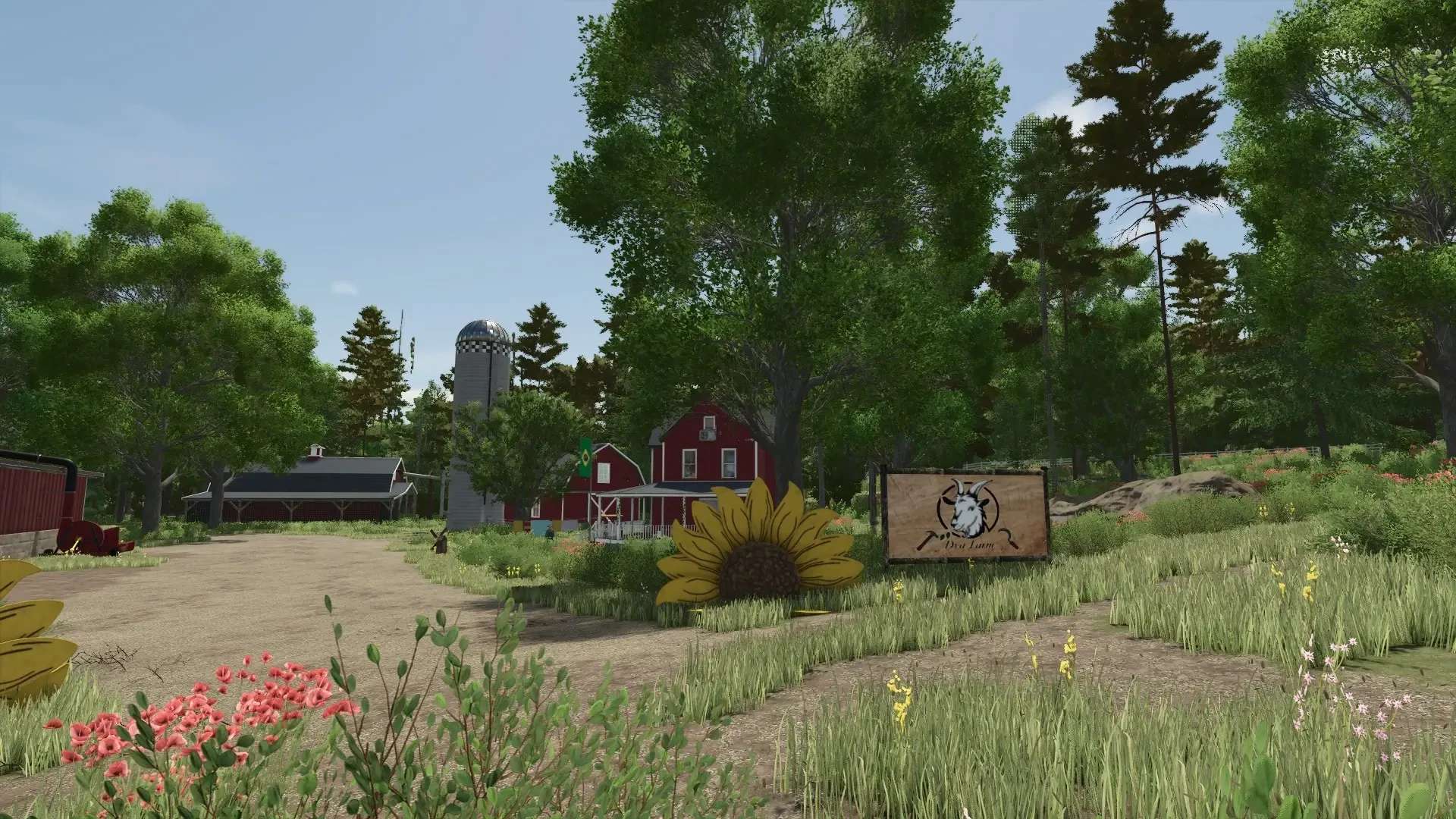
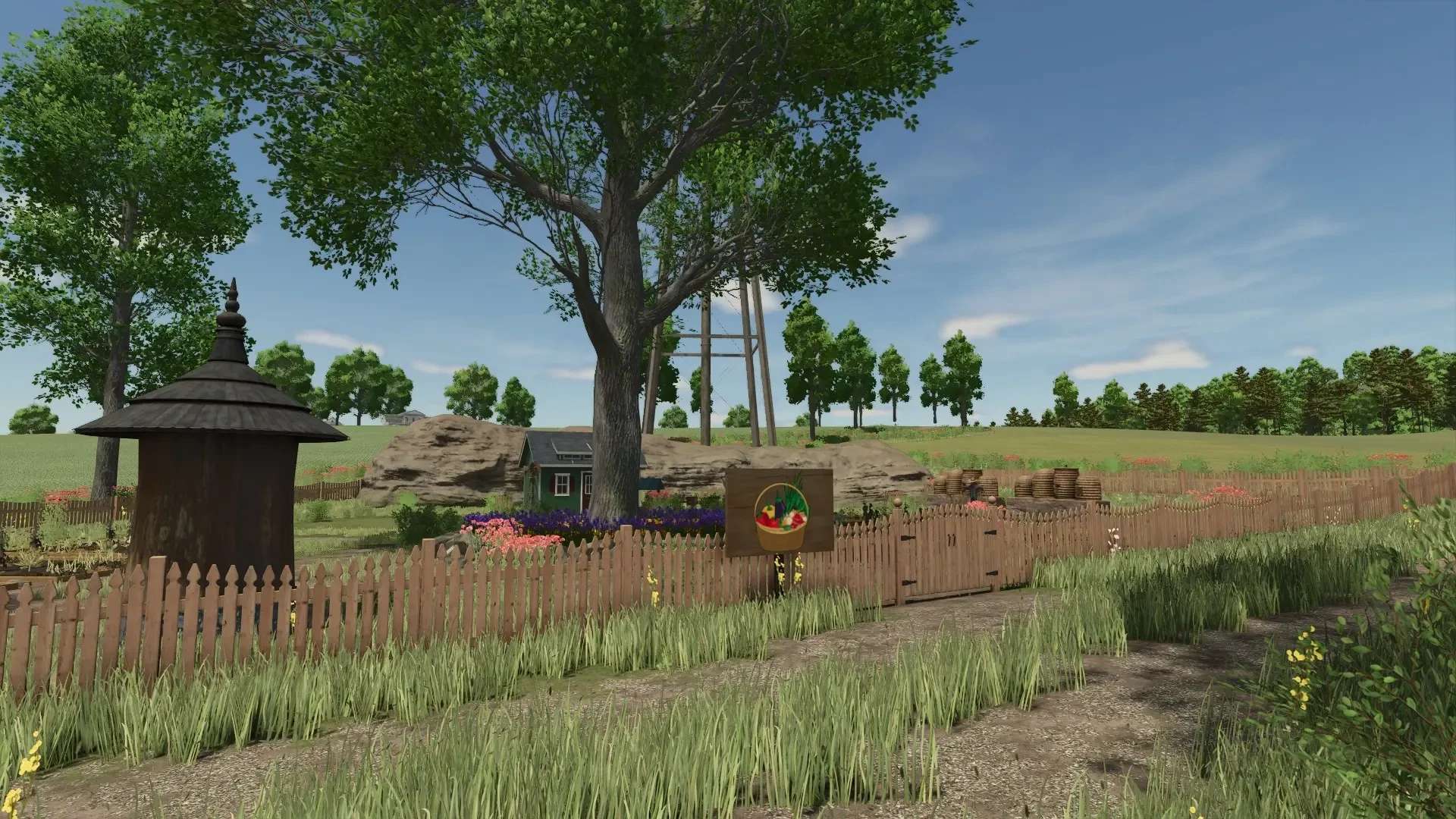
Here I present my mod map, Feliz. It might still have a few rough edges, but overall it’s turned out to be a nice map.
Changelog 1.4.0.2
– Name changed due to confusion
– Fixed the collision on roads 34, 35, and 36
No new save game required
It has been completely rebuilt and, in addition to a height model that’s quite impressive in places, it offers all the standard Giants features.
– 54 fields
– Numerous areas for building or grazing
There are also three farms included, with the Dya Farm and the Hansen Farm being generously expandable with a little work.
The middle farm, however, cannot be expanded.
Each farm has a field production facility for manufacturing goods needed for field maintenance, and each farm is equipped with various small productions for a perfect start.
Furthermore, there’s a Winnie the Pooh farm and a small allotment garden.
I would avoid using large machines, as in some parts of the map, even long and large equipment has difficulty getting around.
I won’t change anything just because some people think monster machines are appropriate for a map.
It’s designed for small to medium-sized machines, and that’s how it will stay.
There are three additional crops on the map:
Rye, Spelt, and Triticale.
I’ve removed the stone removal, deadwood removal, and wood transport jobs because they annoyed me, and it’s my map, so no discussions.
50 collectibles have been hidden, but I don’t know where myself; I have to search too.
Combining fields won’t be possible on the map. All farmlands are located in such a way that they directly affect fields or where I think building is possible.
Questions about whether I’ll expand the farmlands: NO.
Some buildings and fences cannot be demolished, and that will remain the case.
Now, for the Autodrive players:
AD courses are included on the map.
Follow these instructions, otherwise the courses will be gone when you start a new game—regardless of the difficulty level and whether you have Autodrive in your mod folder.
When you start the save game for the first time, Autodrive will ask if it should create courses—press NO!
If you press YES, the courses I created will be gone, and you’ll have to start a new save game or create your own.
If you’re wondering why not add the Autodrive courses individually—the answer is a clear NO, because the map already has them.
Tamara_von_Graf