FS25 Draft animals pack v1.0.0.0

FS25 Other

FS25 Draft animals pack v1.0.0.0
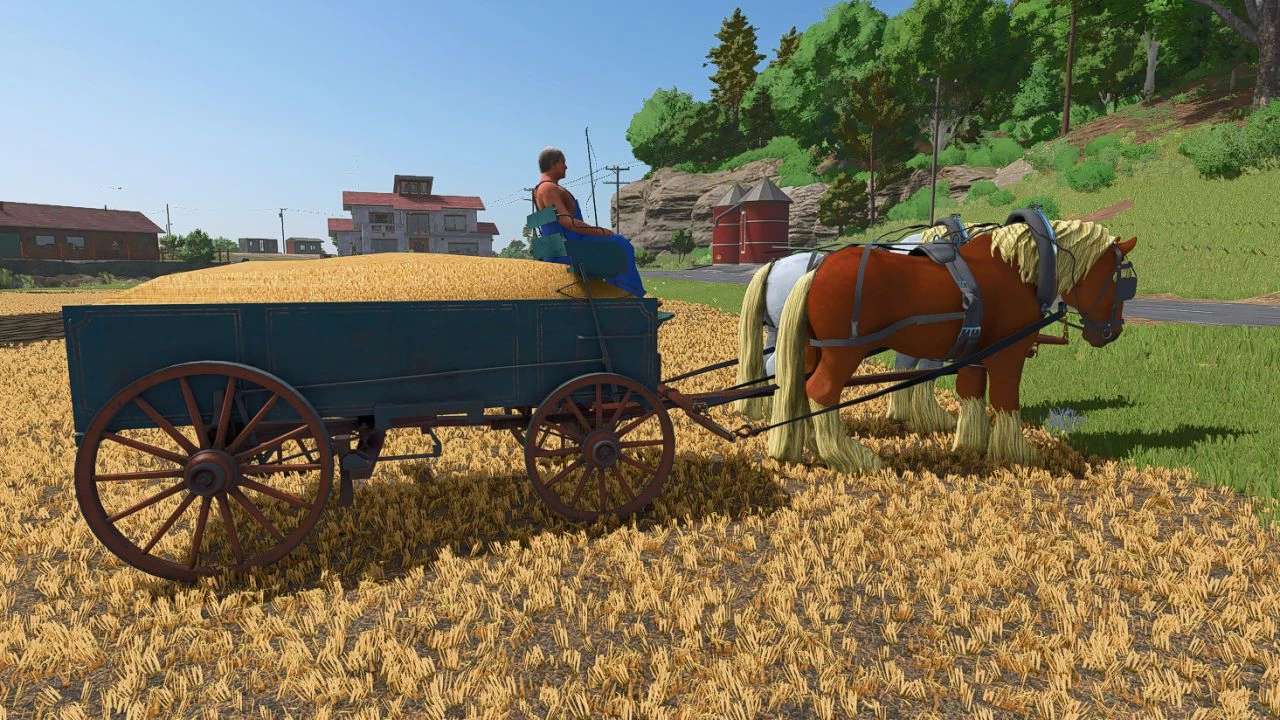

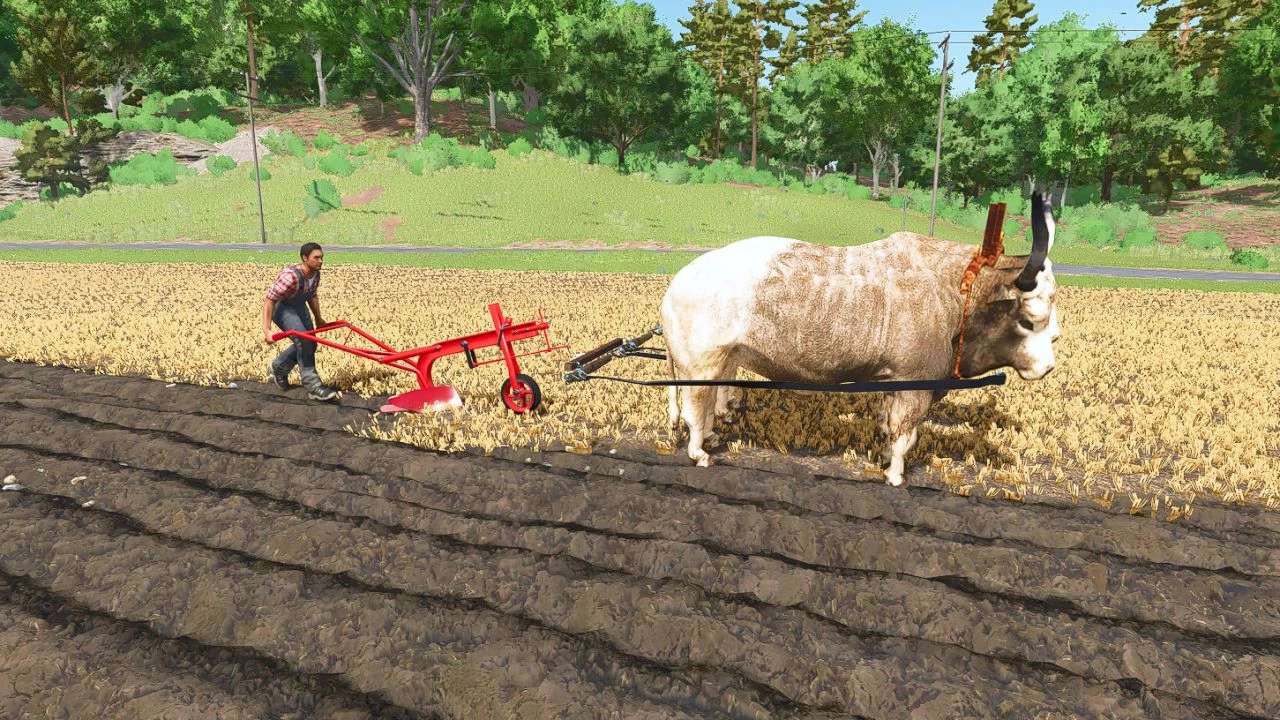
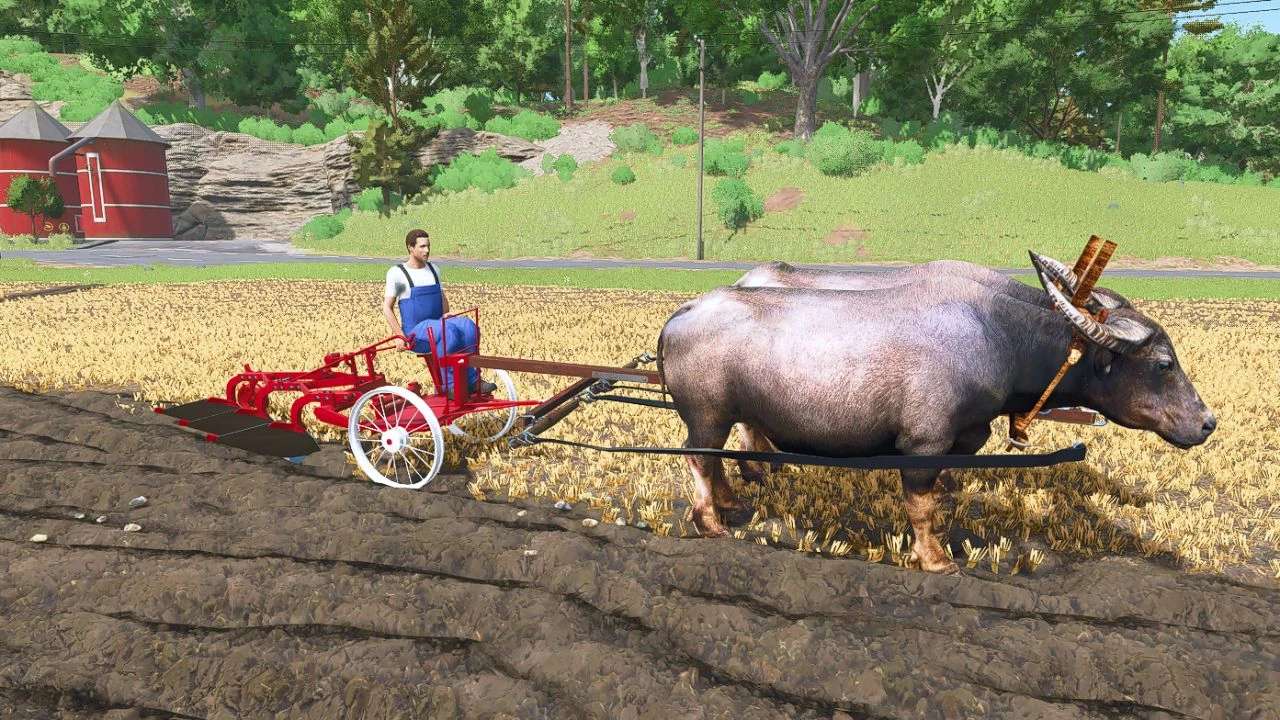
There are gray cattle, water buffalo, draft horse in the pack. They are considered slow vehicles because their top speed is 6.5 km/h, this may change in updates. It is very important that after attaching the equipment, press the G button to control the animal. Its control is like that of a car. You will find the three animals in the car category. The driver can whip with the B button. For plows, you only need to lower the plow with the V button and that’s it. Other animations are done with the B button.For devices, don’t forget to set the configuration to horse mode or buffalo and cattle. It is important for proper operation.If you haven’t read this description, it’s possible that the animal won’t work properly. But if you do as I wrote, it will work perfectly.

Credits:
honved4


What is this Farming Simulator 25 / 22 mods use for:

Farming Simulator game is so great that is hard to believe that it could be even greater. However, it can be if you play this game with mods! You can have more fun simply installing Farming Simulator 25 mods / Farming Simulator 22 mods. The game became so popular because of supporting mods! What is more, all FS25 mods / FS22 mods are completely free. Every mod has different designation and when there’re so many of them, until you’ll try it you can only imagine what the limits of this game are. So many improvements new tractors and more are waiting for you until you download all of Farming Simulator 25 mods / Farming Simulator 22 mods. Create your own combination of FS 25 mods / FS 22 mods and see how it works in game. Maybe you’re the one who will create a perfect game which doesn’t have any issues. So why don’t you try. Download and install these LS 25 mods / LS22 mods and create your Farming Simulator 25 / Farming Simulator 22 game. Welcome to the biggest Farming Simulator modding community! If you like this mod, please comment bellow.


Best FS25 Other mods

Leave a Reply

Do you need any help or to say thanks to the mod author? Just leave a comment below!