FS25 Multiplayer Farm Trade V1.3.2.1


FS25 Multiplayer Farm Trade V1.3.2.1
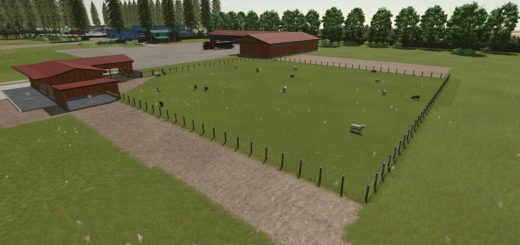
Place a 28 × 12 metre area from Construction > Buildings > Tools. Placement cost: 0. Daily upkeep: 0. A yellow outline and direction arrow show the area and delivery direction while positioning and rotating it. Each farm can have one active area.
MULTIPLAYER
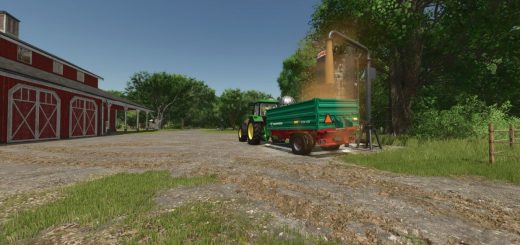
Invoices (FS25_Invoices) is required and must be enabled in both singleplayer and multiplayer. In multiplayer, the server and all players must use matching mod versions. Paying a goods invoice moves the existing vehicles, implements, pallets and bales to the buying farm’s area and transfers ownership. The goods and enough space for the whole delivery are checked before payment. Missing goods or insufficient space leave the invoice unpaid. Engines must be stopped, implements detached and goods unloaded.
SINGLEPLAYER
Invoices must also be installed and enabled in singleplayer. New store purchases and reset vehicles use the farm’s placed delivery area.
MARKINGS
On foot: Left Shift + Left Alt + M shows or hides your farm’s ground markings. The setting is saved with the area and synchronized to players. Only a farm manager can change it. The outline and arrow hide together. Select the area itself in the construction menu to remove it.
DELIVERY FEE
Store purchases: 2.5% of the purchase price, capped at 5,000 in game currency per purchase. Invoice delivery: no additional delivery fee. The area itself is free.
Restart the game after replacing the mod file. Remove the area in the construction menu before relocating it. Choose an open, level spot on land owned by the farm.
INVOICES, PALLETS AND BALES
The unpaid-invoice summary remains visible during gameplay until no payable invoices remain for your farm. The count and total update after payment, when changing farms and after loading a save. Invoice pallets are placed side by side without extra spacing between their calculated widths. Round bales stand on their flat ends in rows of four across and up to three high. Square bales turn 90 degrees and form rows of two across and up to three high. Rows fill from the rear edge towards the front in the arrow’s direction. Different sizes and models stay separate. The entire delivery needs free space; lower stacks are used when headroom is limited.
KST Modding